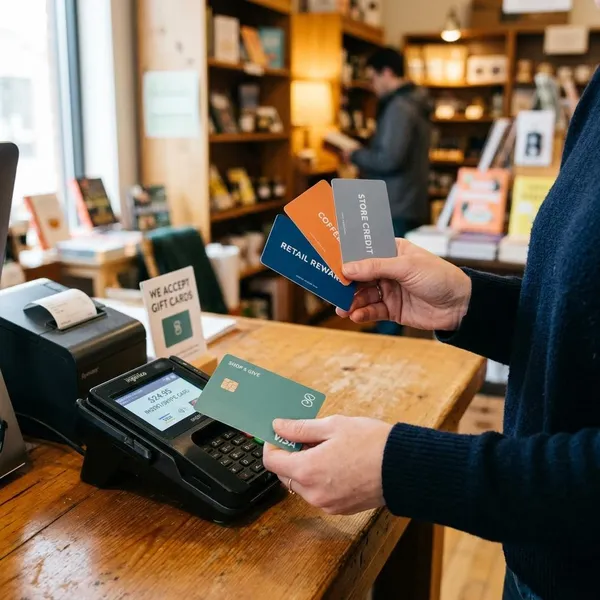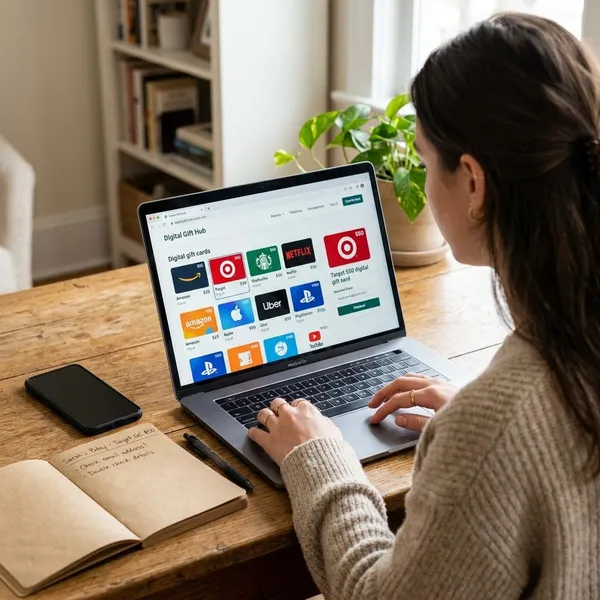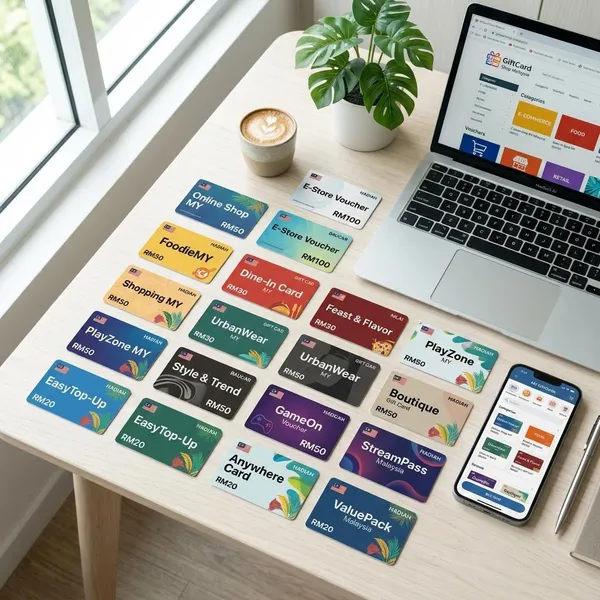
Gift card codes are the part of a gift card you use to claim the money, but the safest move is not to type the first number you see. Check where the card came from, use the official retailer site or app, and keep the receipt or email until the balance is spent.
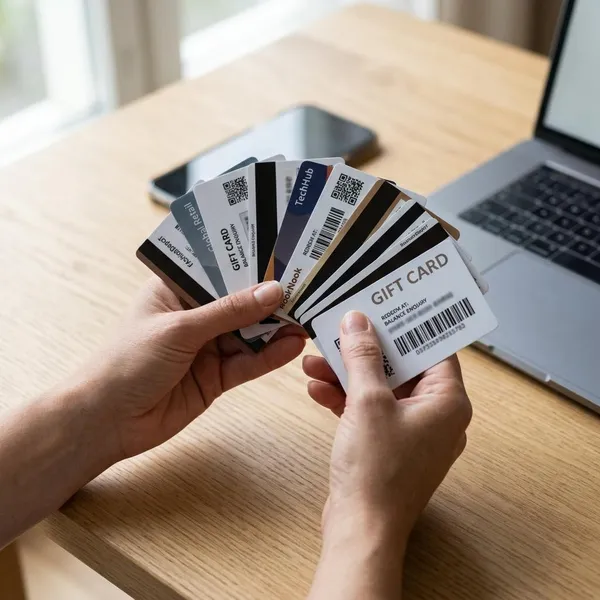
Where to find a gift card code
The code is usually close to the delivery method. A plastic card normally has it on the back, while a digital gift may place it in an email, text, app wallet, order page, or receipt. The first thing to check is whether the card uses one code, or a card number plus a PIN.
A useful rule: if the card was bought in a store, keep the physical card and receipt together. If it was bought online, keep the email, order page, and any delivery message until you have confirmed the balance.
Scratch-off area
On many physical gift cards, the code is hidden under a scratch-off strip on the back. Scratch gently, because damaged letters or numbers can make the code hard to redeem. If you see both a long card number and a shorter hidden PIN, the website may ask for both.
If the scratch-off area already looks damaged before you buy the card, choose another one. A tampered strip can mean someone copied the code before the card was activated.
Email delivery
Digital gift cards often arrive by email as a visible claim code, a branded button, or a downloadable gift card image. Check the sender address before clicking anything, especially if the email creates urgency or asks for extra personal information.
If you received the gift for yourself, redeeming it soon is usually safer than leaving the code sitting in an inbox that other people can access. For a shared family email account, that matters even more.
Text message
A text message may include the code directly or send you to the retailer's app to claim it. Be careful with lock-screen previews; a full code visible on a shared or public phone can be enough for someone else to use it.
- Open the brand's app yourself if the link looks unusual.
- Ignore texts asking you to send a code back for "verification."
- Save the message until the balance shows in your account.
Retailer app
Some brands store gift cards inside an app wallet, rewards area, saved payment section, or account balance page. This is common with food apps, gaming services, app stores, and large retail chains.
App storage is convenient when you plan to use the gift in person. Instead of reading a long code at the register, you may be able to show a barcode or scan from the wallet. Just make sure you are signed in to the account that received the gift.
Order page
If you bought the card online, the order page may show the code, delivery status, printable card, or resend option. This is also where you may see whether the gift is still pending, scheduled for later, or delayed for review.
For multiple gift cards in one order, match each code to the right amount before sending or redeeming it. Mixing them up is an easy mistake during holidays, office gifts, or bulk purchases.
Printed receipt
Some store-bought cards rely on the printed receipt for activation proof, and certain digital or prepaid products may print important details there. Do not throw it away as soon as you leave the store.
Keep the receipt until the balance is gone. If the card shows no value, the code is unreadable, or support needs proof of purchase, that small piece of paper can be the difference between a quick fix and a dead end.
How to redeem a gift card code
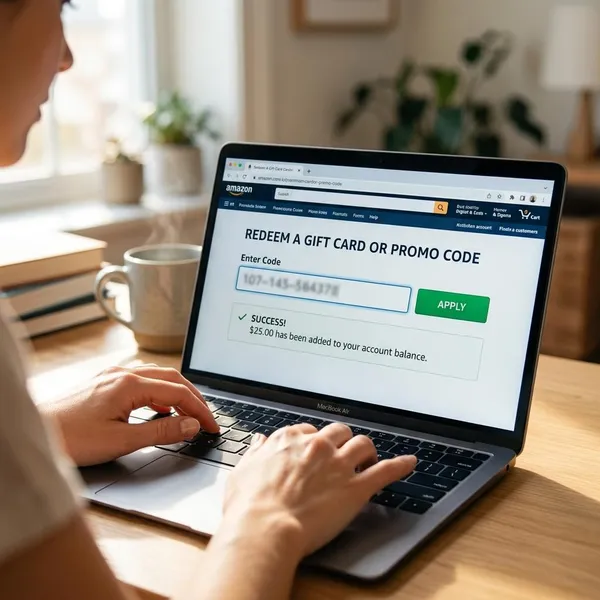
Most redemptions follow the same basic path: go to the official site or app, sign in, enter the code, and confirm the value. The detail that trips people up is whether the balance goes into an account or gets applied at checkout.
Before entering anything, check three things in this order:
- Issuer: the brand on the card matches the site or app.
- Account: the correct email or profile is signed in.
- Format: you know whether the page wants a claim code, card number, PIN, or both.
Open the official site or app
Start from the retailer's official website or the app you already use. Avoid search ads, pop-ups, "instant balance" sites, and links from messages that feel rushed or odd.
For example, an Apple gift card belongs in Apple's official ecosystem, and a Google Play gift card should be handled through Google Play or an official Google account page. A page that looks close to the real brand but uses a strange web address is not worth the risk.
Sign in to the right account
Check the active account before redeeming. Many balances are locked to the account used at the moment of redemption and may not be easy to move later.
This matters on shared devices. A child's tablet, a family gaming console, or a work phone may still be signed in under someone else's profile. If the gift is meant for another person, let them redeem it while signed in to their own account.
Enter the code exactly
Type or paste the code exactly as shown. Watch for look-alike characters such as O and 0, I and 1, or S and 5. If you paste from an email, remove any extra spaces before submitting.
Stop after a few careful failed attempts. Repeating guesses can waste time and may trigger temporary security blocks. Compare the card, receipt, email, and redemption page to make sure you are not entering a PIN where the site wants the card number.
Confirm the balance
A successful redemption should show a clear result: an updated account balance, a checkout credit, or a remaining card balance. Do not assume it worked just because the page refreshed.
Prepaid Visa or Mastercard gift cards can work differently from store cards. They are often used like payment cards at checkout rather than redeemed into a retailer wallet, so follow the issuer instructions printed on the card or receipt.
Save the confirmation
Take a screenshot or keep the confirmation email after redemption, especially for higher-value gifts. If the balance disappears, an order fails, or support asks for timing, that record gives you something concrete to show.
How to keep gift card codes safe
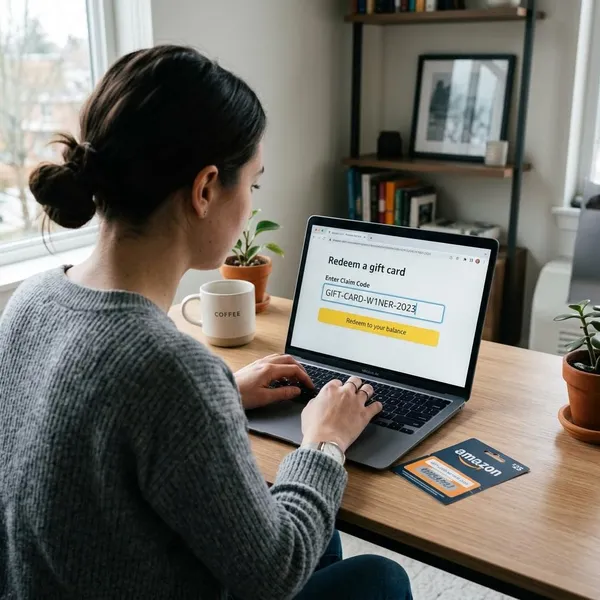
A gift card code should be treated like cash. In many cases, anyone with the full code and PIN can spend the value without holding the physical card.
The biggest risks are not complicated: buying from a bad seller, entering the code on a fake page, sharing it with someone who pressures you, or leaving it visible in email, photos, or receipts.
Buy from trusted sellers
Buy from the issuing retailer, a well-known store, or an authorized online seller when possible. A small discount from an unknown marketplace is rarely worth the risk if the code is copied, stolen, or already drained.
For a quick birthday gift, direct digital delivery from the retailer is usually the cleaner choice. For a larger amount or business gift, keep a simple record of the seller, date, value, and recipient so one problem card does not become impossible to trace.
Redeem on official pages
Use the official redemption page, app, or checkout flow only. If a message tells you to redeem through a different website, treat it as suspicious until you verify it from the retailer's own site.
- Type the brand address yourself when unsure.
- Check the full domain before entering the code.
- Leave if the page asks for unrelated banking or identity details.
Avoid fake balance checkers
Fake balance checkers often pretend to help but collect valid codes and PINs. Use the balance page listed by the retailer, the official app, or the phone number printed on the card.
If a balance checker claims to work for every brand, that is a red flag. Real gift card systems are usually tied to the issuer, not a random universal tool.
Ignore urgent payment requests
If someone asks you to buy gift cards and send the codes to pay a bill, fix an account, claim a prize, help a relative, or avoid a penalty, assume it is a scam. Real companies and government agencies generally do not demand payment through gift card codes.
The pressure is the warning sign. Scammers want you to act before you can think, call someone, or check the request through a trusted source.
Keep emails and receipts private
Do not post gift card photos, receipts, screenshots, or email vouchers where other people can see the code. Even a casual picture in a shared cloud album can expose the balance.
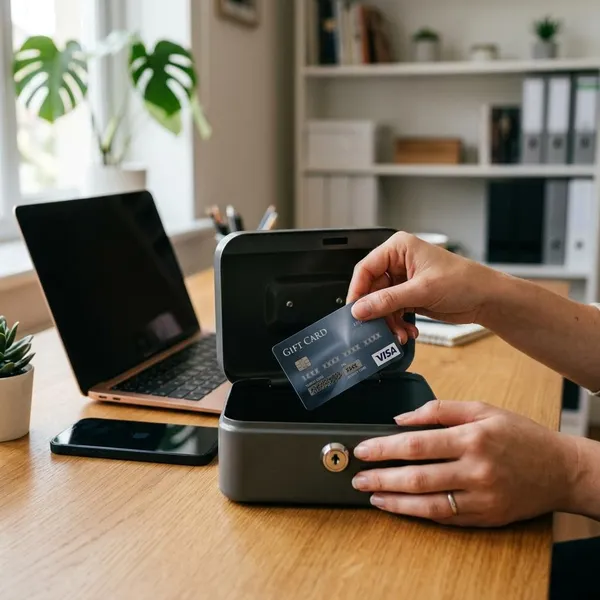
For digital gifts, use a secure email account and redeem the code when practical. For physical cards, keep the card and receipt together until the value is fully used.
Conclusion
A gift card is easiest to use when you slow down for the first few checks: find the right code, redeem it on the official platform, confirm the balance, and keep proof until it is spent. If a code is exposed, rushed, or entered on the wrong page, the value can disappear quickly, so a little caution before redemption is far better than trying to recover the money afterward.