If you have an xbox gift card, treat it as Microsoft account credit, not as a separate card you swipe at checkout. Redeem the code to the right Microsoft account first, then use the balance for eligible Xbox or Microsoft Store purchases. The two checks that matter most are simple: make sure the code matches your region and make sure you are signed in to the account that should receive the money.
What you can buy with an Xbox gift card
Games and add-ons
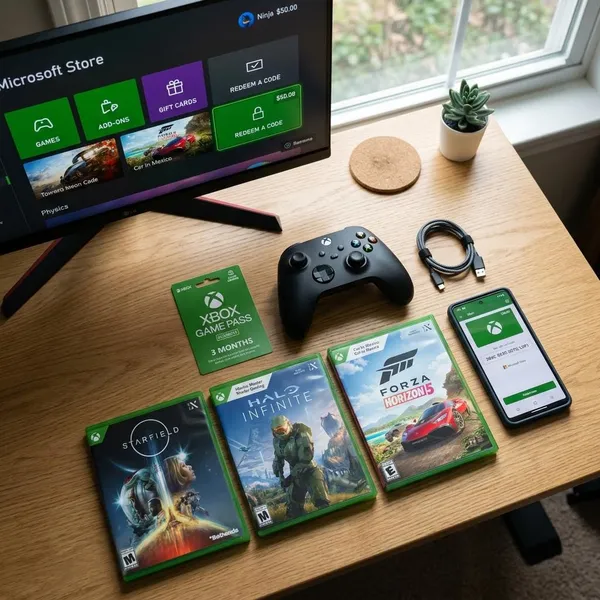
Full digital games and add-ons are the strongest use case. You can use the balance toward eligible game purchases, expansions, map packs, character packs, digital upgrades, and bundles sold through the Xbox Store.
- Buying one specific game: check the final store price first, including any tax or regional pricing.
- Waiting for a sale: a gift card can sit as balance until a discount appears.
- Gifting to a younger player: it sets a spending limit without adding an open payment card.
In-game content
In-game content can be more hit-or-miss. Currency packs, skins, battle passes, and similar items may work if the transaction is handled by Microsoft billing, but they may not work if the game uses its own payment setup.
Before redeeming a card for one specific in-game item, open the item's purchase screen and look for Microsoft account balance as a payment option. That small check matters more than the item type itself.
Movies and apps
In supported markets, the balance may also be used for movie rentals, digital movie purchases, TV content, and paid apps from Microsoft's storefronts. This is handy for a household that uses an Xbox as an entertainment device, not just as a game console.
Eligible subscriptions
Some subscriptions may accept account balance, but this is the area where you should be most careful. A gift card adds flexible credit; a subscription code usually activates a specific service term.
| Your Goal | Better choice | Why it matters |
|---|---|---|
| Let someone choose games, DLC, or media | Xbox gift card | The balance can be used across eligible store purchases. |
| Give a fixed Game Pass period | Game Pass or subscription code | It is clearer when you want a specific membership term. |
| Pay for a subscription with balance | Check the subscription checkout page first | Some plans may need a backup payment method or may not accept balance in every region. |
How Xbox gift cards work
Redeem the code
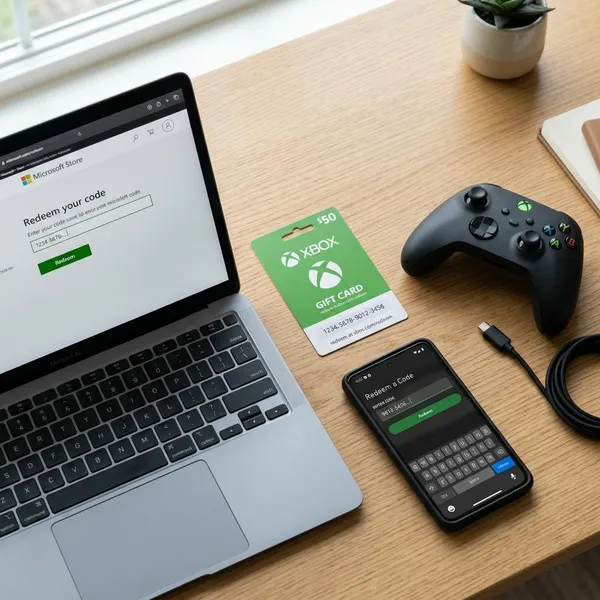
The code is normally a 25-character code entered through an official Xbox or Microsoft redemption page. Microsoft checks whether it is valid, unused, and compatible with the account region before applying it.
Add credit to your account
After the code is accepted, the value becomes Microsoft account balance. On a shared family console, pause before confirming redemption: if a parent, child, or sibling is signed in by mistake, the balance can land on the wrong account.
Buy through Xbox or Microsoft Store
Use the balance where Microsoft account balance is offered as a payment method. Digital games are usually straightforward, while subscriptions, media, and some publisher-controlled content can have extra limits.
Use the balance at checkout
At checkout, the store may let you pay fully with balance or combine it with another payment method if the balance is not enough. If the balance does not appear, check these points before assuming the card failed:
- Wrong account: the balance may be on another Microsoft sign-in.
- Wrong region: the code and account market may not match.
- Unsupported item: the product may not accept account balance.
- Not enough balance: a second payment method may be needed for the remainder.
How to redeem an Xbox gift card
Redeem on Xbox console
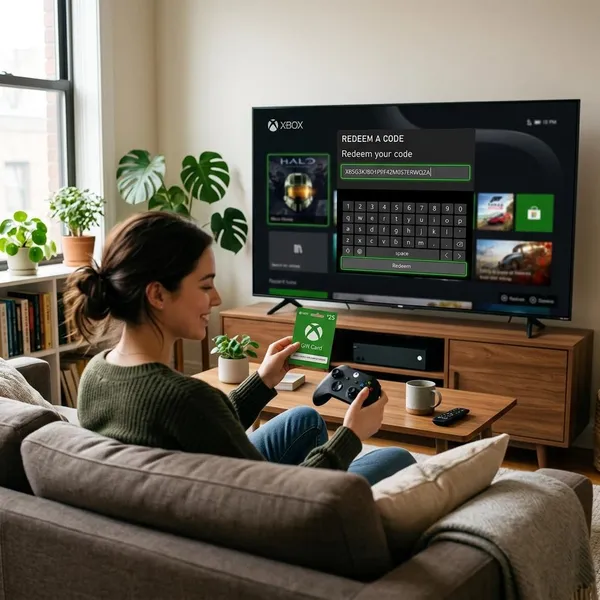
On an Xbox console, open the Store and choose the redeem or "Use a code" option while signed in to the correct profile. Enter the 25-character code, review the confirmation, and approve it only if the account shown is the one that should receive the balance.
Redeem on the Microsoft website
Web redemption is often the easiest method if the code was sent digitally. Sign in on Microsoft's official redemption page, paste or type the code, and confirm it after checking the account details.
This is also a practical option if you are helping someone remotely. Ask them to sign in themselves rather than sending you their account password or asking you to handle the code through a random link.
Redeem in Microsoft Store
In the Microsoft Store app, use the redeem option from the account or profile menu. This can be convenient for people who buy both Xbox and PC content with the same Microsoft account.
Check your account balance
To check the balance, open the payment, billing, wallet, or account area for your Microsoft account. On console, you can also look in the store or account section while signed in.
If the balance does not update right away, refresh, sign out and back in, and check redemption or order history. If you still cannot find it, confirm that you did not redeem the code on another account.
How to buy and gift Xbox cards safely
Choose the right value
Match the value to how the card will be used. For a birthday gift where the person may wait for a sale, a flexible mid-range amount can be better than trying to cover one exact game. For a specific new release, check the store price first so the recipient is not left short at checkout.
Buy from trusted sellers
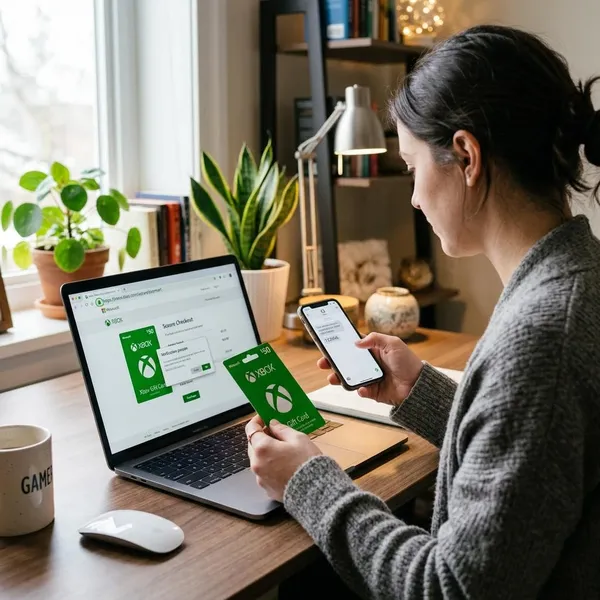
Microsoft and well-known authorized retailers are the safest options because they are more likely to show the correct region, provide a proper receipt, and help if the code has a problem. A very cheap code from an unknown marketplace is not much of a bargain if it has already been used or belongs to the wrong market.
Keep the receipt
Keep the receipt, email confirmation, or order record until the card has been redeemed successfully. If a code shows as invalid or already used, proof of purchase is usually the first thing the retailer or support team will want.
Share the code privately
Send the code through a private message, direct email, or a printed note handed to the recipient. Do not post photos of the card, packaging, or email confirmation online, even if part of the code seems hidden.
For a long-distance gift, it is worth telling the recipient to redeem it soon after receiving it. A code sitting in an old group chat or exposed inbox is easier to lose track of.
Avoid resale scams
Resale listings are risky because you may not know whether the code is unused, legitimate, or region-compatible. If a seller cannot clearly state the region or provide meaningful support, skip it.
- Good sign: clear region labeling and a real receipt.
- Bad sign: unusually low price with vague seller details.
- High-risk situation: buying a code from a stranger who sends only a screenshot.
Conclusion
An Xbox gift card is a good choice when you want flexible prepaid spending for games, add-ons, media, or other eligible Microsoft Store purchases. It is less ideal when you need a guaranteed subscription term or a very specific in-game purchase that may not use Microsoft billing. Check the account, region, and checkout option before relying on the balance, and buy from a seller that can actually help if the code does not work.