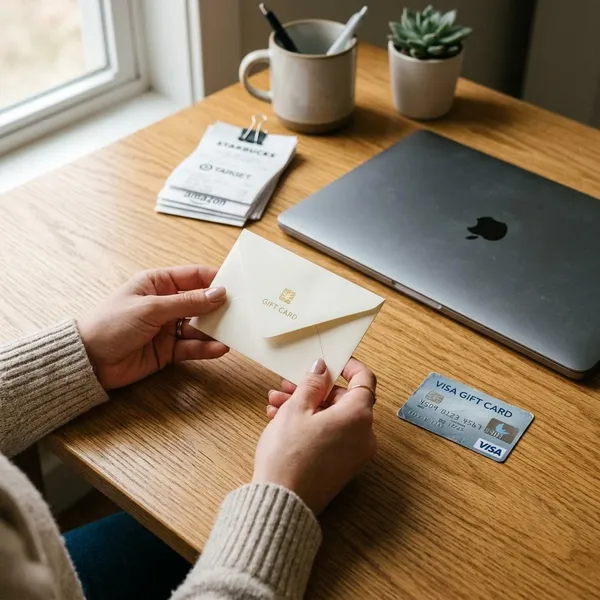
A visa card gift card is a prepaid payment card with a fixed spending balance. It can be useful for everyday purchases, gifts, and one-time payments, but it does not work exactly like a bank debit card. The card may need activation, the balance may need to cover the full final total, and some merchants may reject prepaid cards.
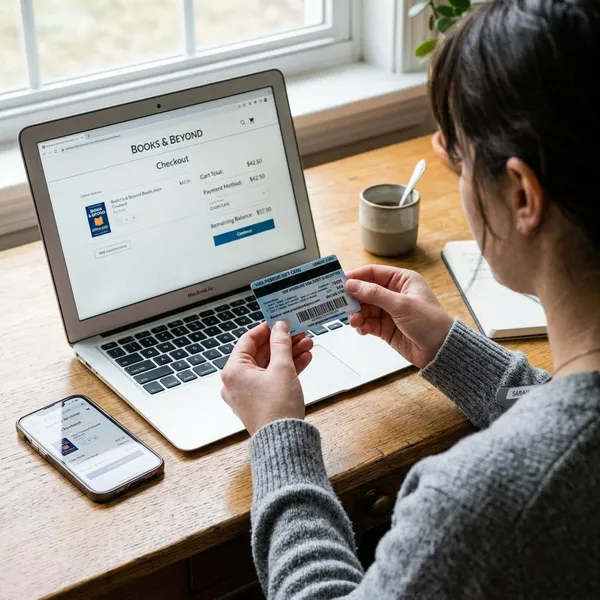
How a Visa gift card works
A Visa gift card is loaded with a set amount of money and can usually be used for purchases at merchants that accept Visa debit, subject to the card issuer's terms. It is not connected to a bank account, and most gift cards cannot be reloaded after the starting balance is spent.
Buy the card
You can buy a Visa gift card from many supermarkets, pharmacies, big-box stores, online gift card sellers, and card issuer websites. Before buying, check the activation instructions, purchase fee, supported country, and customer service details.
- Avoid cards with damaged packaging or exposed numbers.
- Keep the purchase receipt until the card has been used.
- Do not buy gift cards for anyone who pressures you to pay a bill, fine, prize fee, or urgent charge with card numbers.
Load the value
The value is usually loaded when the card is purchased. Some cards come in fixed amounts, such as $25, $50, or $100, while others allow the buyer to choose a value within a set range.
The starting amount matters because many online stores do not allow split payment across two cards. If the card has less than the final total after tax and shipping, the whole online payment may be declined.
Activate the card
Some Visa gift cards activate automatically at checkout, while others require activation through a website, phone number, or QR code on the packaging. If activation is incomplete, the card can be declined before the first purchase.
Spend the balance
Each approved purchase reduces the available balance. The card normally stops working once the balance reaches zero, and a purchase can fail if the merchant tries to authorize more than the card can cover.
- Check the balance before paying.
- Compare the balance with the final total, not just the item price.
- Ask for split payment in stores if the balance is too low.
- Keep the card until refunds and pending charges are settled.
Track what is left
Use the issuer website or phone number printed on the card to check the current balance. Receipts are helpful, but they may not show pending authorizations, delayed tips, or refunds that have not posted yet.
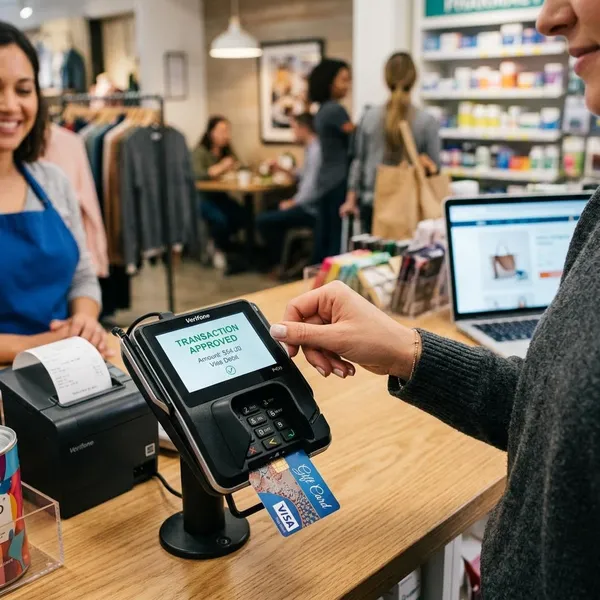
Where you can use a Visa gift card
A Visa gift card usually works best for regular purchases with a clear final amount. It can be harder to use when a merchant places a temporary hold, checks billing details strictly, or expects future charges.
| Place to use it | Usually works well | Main risk |
|---|---|---|
| Retail stores | Yes | Balance must cover the amount charged |
| Online stores | Often | Billing address or final total mismatch |
| Restaurants | Sometimes | Tip authorization may need extra balance |
| Gas stations | Better inside | Pump holds can exceed the fuel amount |
| Subscriptions | Unreliable | Future renewals can fail |
What to check before using the card
A quick check before checkout prevents most declines. The card should be active, funded, not expired for transaction processing, and suitable for the type of purchase you want to make.
Current balance
Check the current balance through the issuer website or phone number on the card. Use that exact amount, not a rough guess from memory. A small difference caused by tax, a pending charge, or a previous purchase can be enough to decline the transaction.
Card activation
If the first transaction fails, confirm activation before trying again. The card sleeve, sticker, or issuer website should explain whether activation happened at purchase or needs a separate step.
Expiration date
The expiration date printed on the card is needed for payment processing. If the card is expired but still has funds, contact the issuer to ask whether a replacement card is available for the remaining balance.
Purchase fees
Visa gift cards often have a one-time purchase fee paid by the buyer. That fee is separate from the loaded value. For example, a $50 card may cost more than $50 at checkout, but the spending balance is still the amount loaded onto the card.
Read the packaging or online terms before buying, especially if you are comparing a gift card with a reloadable prepaid debit card. Fees and rules can be very different.
Usage limits
Usage limits are the reason some valid cards still fail. The card may not support cash withdrawals, may be blocked by certain merchants, or may not work for purchases outside the supported region.
- Avoid using a low balance card for online orders with shipping or tax.
- Be careful with restaurants, hotels, rentals, and gas pumps because of authorization holds.
- Do not rely on a non-reloadable gift card for payments that renew automatically.
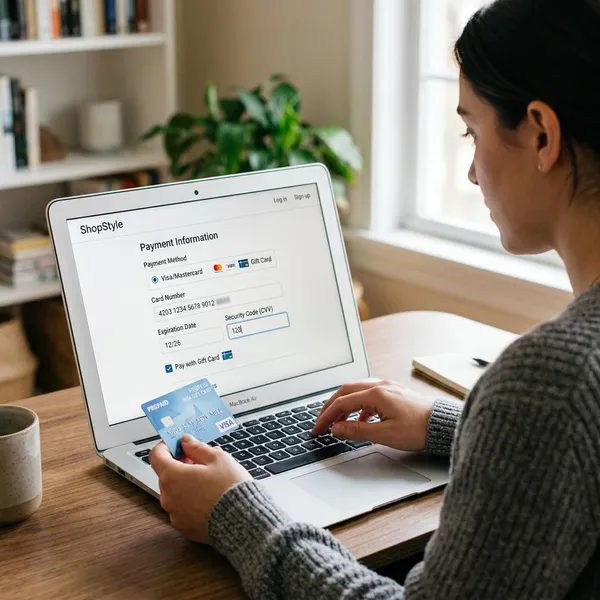
How to use a Visa gift card online
Online use requires more precision than in-store use. The card details, billing information, expiration date, security code, and final order total all need to line up for the payment to go through.
Register the card
Register the card on the issuer website if that option is available. Adding your name, address, or ZIP code can help with online merchants that use address verification.
Registration does not add money or turn the gift card into a bank account. It simply gives the payment system billing details to compare during checkout.
Match the billing address
Enter the same billing address or ZIP code that is registered with the card. If the merchant checks one address and the issuer has another, the order may fail even when the balance is enough.
Enter the card number
Type the full card number carefully. If a checkout page saves a failed attempt, clear the field and re-enter the number from the card instead of relying on autofill.
Add the expiration date
Use the expiration month and year printed on the active card. If the card was replaced, use the replacement card details rather than an old saved version in your browser or shopping account.
Use the security code
The security code is usually the three-digit CVV on the back of the card. Digital cards normally show the CVV in the secure delivery email or account page. If the CVV is correct and the payment still fails, the issue may be balance, billing address, or merchant prepaid-card policy.
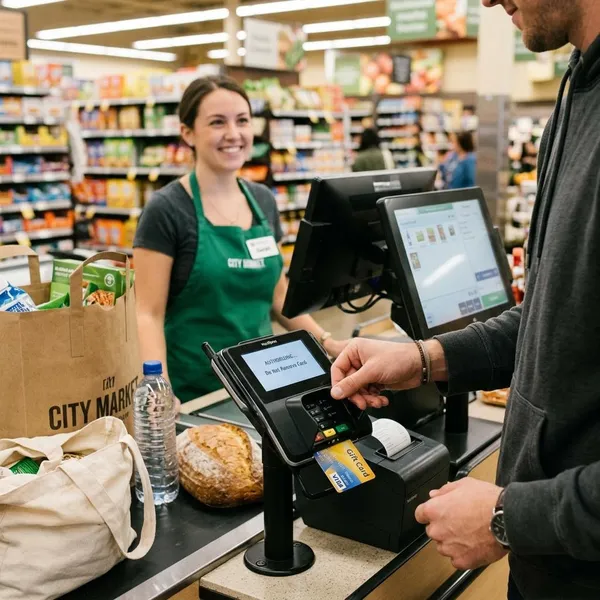
How to use a Visa gift card in stores
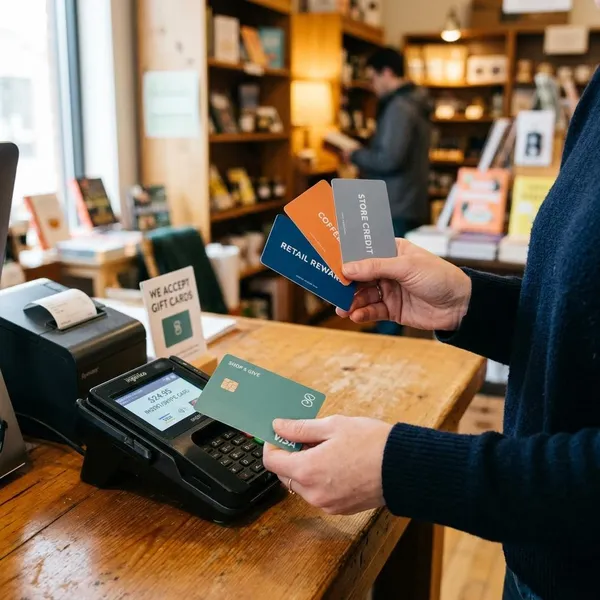
Store checkout is often more forgiving than online checkout because you can ask a cashier to apply a specific amount from the card. This is especially useful when you want to spend the final dollars without guessing.
Know the balance
Check the balance before you reach the register. If the balance is $12.18, tell the cashier that exact amount before they run the card. Guessing can lead to a decline.
Choose credit if needed
Many Visa gift cards work best when processed as credit, even though they are prepaid. If the terminal asks for debit or credit and you do not know the PIN, choosing credit is often the easier first attempt.
Use the PIN if available
Some cards have a PIN, while others require you to set one online or by phone. If you are unsure, check the issuer instructions instead of trying random numbers at the terminal.
A PIN on a gift card is usually for debit-style purchases, not for ATM cash withdrawals.
Ask about split payment
Split payment lets the cashier charge the exact remaining balance to the gift card and collect the rest with another payment method. Ask before the transaction starts, because the cashier may need to enter the gift card amount manually.
Keep the receipt
Keep the receipt after using the card. It helps you compare posted charges with the balance page and is useful if a merchant refund is returned to the original card.
Do not throw the card away immediately after spending the balance. Refunds, pending tips, and delayed adjustments may still need the original card details.
Conclusion
A Visa gift card works best when you treat it as a fixed-balance payment card, not a full debit account. Check activation and balance first, use matching billing details online, ask for split payment in stores when needed, and keep the card and receipt until all purchases, refunds, and pending charges are complete.