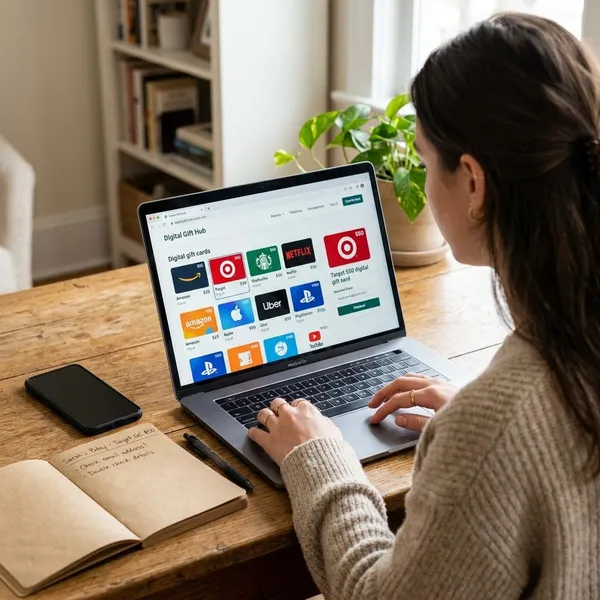
To redeem a gift card without losing the balance to the wrong place, check three things first: the brand, the signed-in account, and where that brand wants the code entered. Apple and Google Play cards usually add value to an account balance, while many retailer and rewards gift cards may need to be claimed or used at checkout.
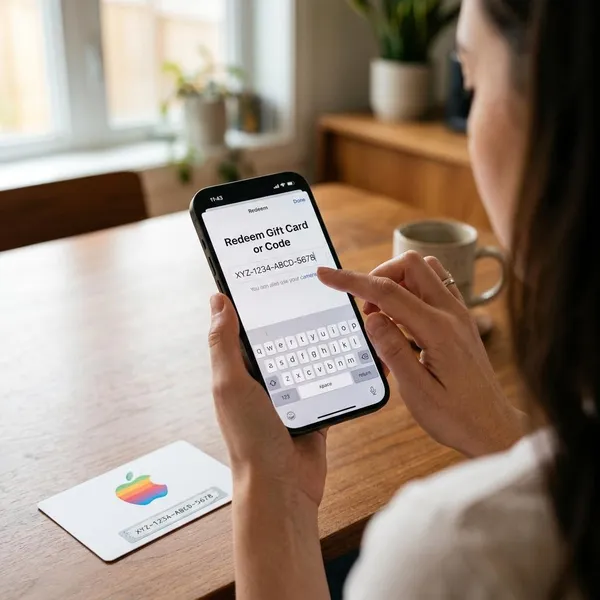
How to redeem an Apple gift card
Apple gift cards are normally redeemed into your Apple Account balance. Before entering the code, make sure the Apple Account shown on the device is the one you actually want to use, especially on a shared iPad, a family Mac, or an older device that may still be signed in to someone else's account.
Redeem on iPhone or iPad
- Open the App Store and tap your profile photo or sign-in icon.
- Check the Apple Account name and email before continuing.
- Tap Redeem Gift Card or Code.
- Use the camera to scan the code, or enter it manually if the card is worn or hard to read.
- Confirm the redemption and check your Apple Account balance afterward.
This is usually the quickest option if you already use Apple services on that device. If you are redeeming a card for a child or family member, sign out first if the wrong Apple Account is active.
Redeem on Mac
On a Mac, open the App Store, sign in, click your name or account area, and choose Redeem Gift Card. Enter the code manually or use the camera option if your Mac supports it.
A Mac is useful when the code came by email because you can copy it more carefully and see the confirmation screen on a larger display. After redemption, refresh the account page if the balance does not appear immediately.
Redeem through Apple apps on Windows
If you use Apple services on a Windows PC, open a supported Apple app such as Apple Music or Apple TV, sign in to your Apple Account, and look for the account or redeem option. Enter the code only after confirming the correct account is signed in.
If the redeem button is missing, update the app or try signing out and back in. Availability can vary by app version and region, so a missing menu does not automatically mean the card is invalid.
Redeem from an email
Digital Apple gift cards often include a Redeem Now button. Use it only after checking that the message is genuinely from Apple and that the link opens an Apple page.
This method is convenient when the gift was sent directly to you, but be careful with forwarded emails or screenshots. If the code has been visible to other people, it may already have been used.
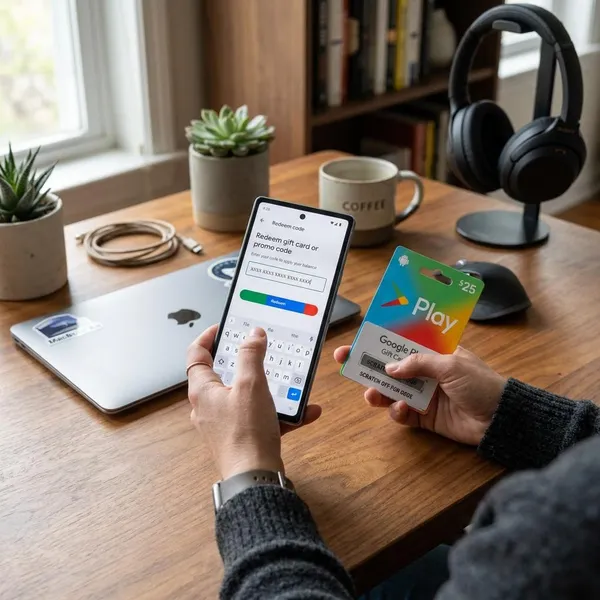
How to redeem a Google Play gift card
A Google Play gift card is usually redeemed into the Google Play balance of the Google account currently selected. This is where mistakes happen on Android phones with multiple accounts, such as a personal account, a work account, and a child's account on the same device.
Use Google Play's official redemption options only. Unknown "balance checker" or "redeem code" websites are not needed and can put the code at risk.
Redeem in the Google Play app
Open the Google Play Store app, tap your profile picture, then go to Payments & subscriptions and choose Redeem code. Enter the code, review the account shown on the confirmation screen, and tap Redeem.
This is the best method for most Android users because it shows the active Google account before the balance is applied.
Redeem on the web
In some regions, you can redeem a Google Play code through Google Play's official web redemption page. Sign in to the Google account that should receive the balance, paste or type the code, and confirm only after checking the account email.
Web redemption is handy if the code is in an email on your laptop. If the page redirects you to the app or says the option is unavailable, finish the process through the Google Play app instead.
Redeem during checkout
You may also see a Redeem code option while buying an app, game item, movie, book, or subscription. This is useful when you want to apply the gift card to a purchase right away.
- Small purchase: the gift balance may cover the full amount.
- Larger purchase: you may need another payment method for the remaining cost.
- Wrong field: do not enter a gift card code into a promo code box unless Google labels it for redemption.
Redeem from an email or text code
If the Google Play code arrives by email or text, copy it into the Google Play app or official web redemption page. A direct link can be convenient, but only use it if the sender and destination are clearly legitimate.
Digital codes are good for last-minute gifts because they arrive quickly. They are also easier to misuse if forwarded around, so keep the message private until the balance is confirmed.
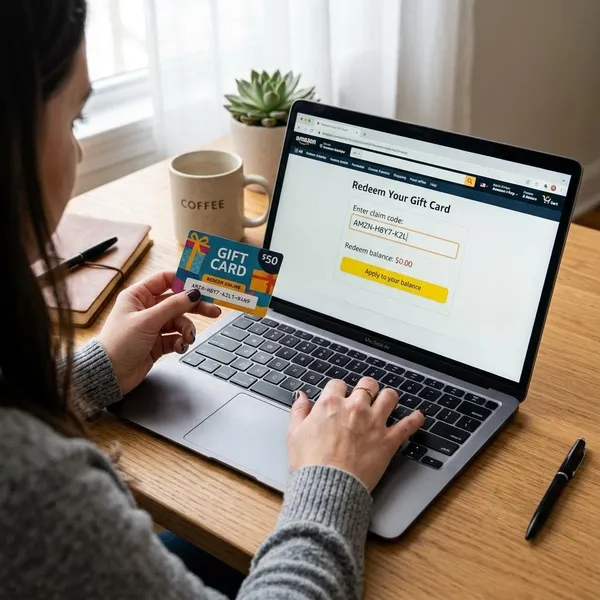
How to redeem rewards gift cards
Rewards gift cards work in two stages. First, you redeem points, miles, or cashback inside your bank, credit card, travel, or loyalty rewards portal. Then you receive a merchant gift card and follow that merchant's instructions to use it.
The practical question is not just "Can I redeem it?" but "Is this the best use of my rewards?" A grocery or fuel card may be useful for everyday spending, while a niche store card can sit unused if you only chose it because it looked like a good deal.
Open the rewards dashboard
Sign in to the account that holds your rewards and open the section labeled Rewards, Redeem Rewards, Benefits, or something similar. Check your available balance before choosing any gift card option.
If your program also offers statement credits, deposits, travel, or transfers, compare the value before committing. Some programs treat gift cards as equal value, while others do not.
Choose the gift card catalog
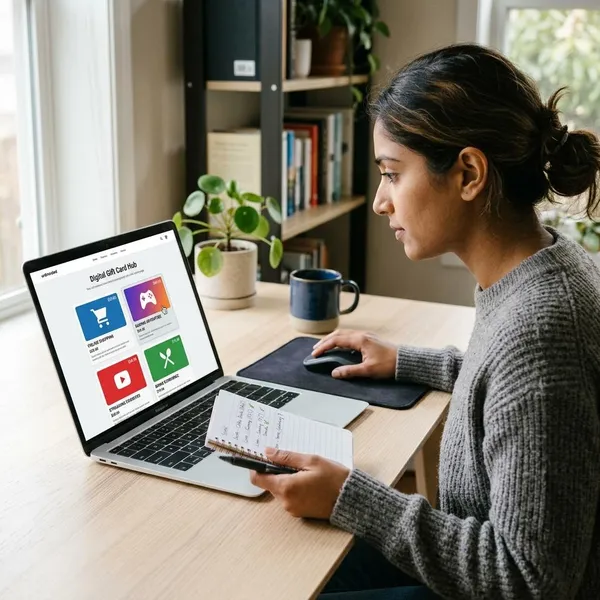
The gift card catalog shows which merchants are available, whether the card is digital or physical, and which denominations you can choose. Merchant lists can change, so do not assume the same brand will always be there.
- Need it today: choose a digital card if the delivery window is short enough.
- Giving it in person: a physical card may feel better, but it usually takes longer.
- Unsure about the brand: pick a merchant you already use rather than a store you might forget.
Select the merchant and amount
Choose the merchant and the amount carefully because rewards redemptions are often difficult to reverse. Fixed amounts such as $10, $25, $50, or $100 are common, though the exact choices depend on the program.
For personal use, favor a card that fits a real upcoming expense. For a gift, choose a merchant with broad appeal unless you know the recipient's preference.
Confirm the delivery method
Before submitting the order, check where the gift card will be sent. A typo in an email address or mailing address can turn a simple redemption into a support issue.
Digital delivery may still take minutes or hours depending on the issuer. If the program gives a delivery window, wait through that window before assuming the redemption failed.
Follow the merchant redemption page
After the rewards program issues the card, read the merchant instructions. Some cards are ready to use as a number and PIN, while others require a claim link, app wallet, barcode, or store account.
This is the step people often miss: the rewards redemption can be complete even though the merchant-side gift card still needs to be claimed or added before checkout.
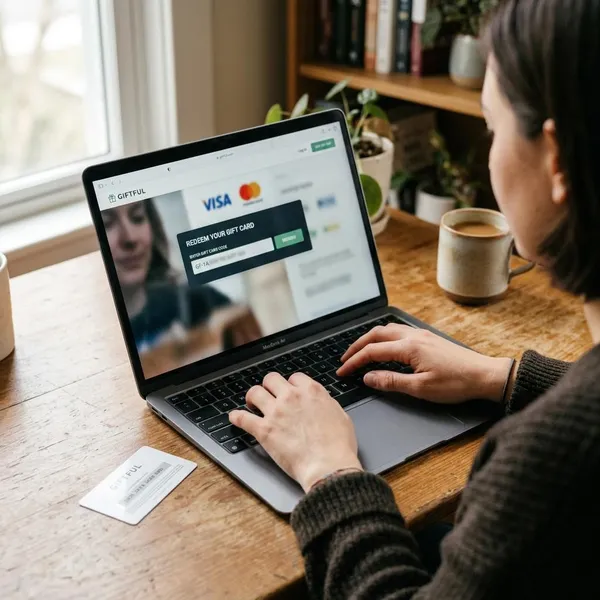
Where to enter a gift card code
The right place to enter a gift card code depends on the type of card. Platform cards usually go into an account balance or app profile menu, retailer cards often appear in the checkout payment area, and digital gifts may open through a claim link.
If you are unsure, read the card or email for the brand name first. A valid code entered into the wrong brand's page will fail, and entering it on an unofficial site is not worth the risk.
Account balance page
An account balance page is common for digital stores, gaming platforms, and services with a wallet. Use this option when the card is meant to load credit for future purchases rather than pay for one order immediately.
The advantage is simple: you can usually see the balance before and after redemption, which makes it easier to confirm that the value landed in the right account.
App profile menu
Mobile apps often place gift card redemption inside the profile or account menu. Apple and Google Play both use this kind of flow because the code needs to attach to the signed-in account.
On shared devices, pause at this screen and check the email or name. That one check is more important than entering the code quickly.
Checkout payment field
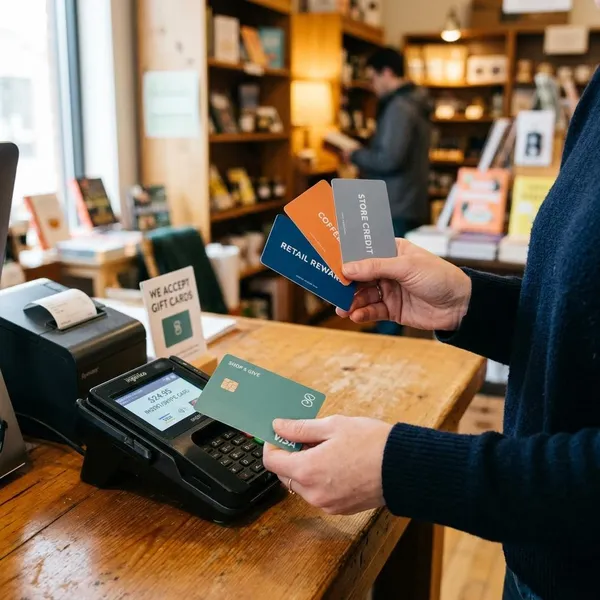
Retailer gift cards often belong in the payment section at checkout. Look for labels such as Gift Card, Store Credit, Redeem Code, or Apply Balance.
Do not assume the coupon field is the same thing. Promo codes usually reduce a price, while gift card fields apply stored value or card funds.
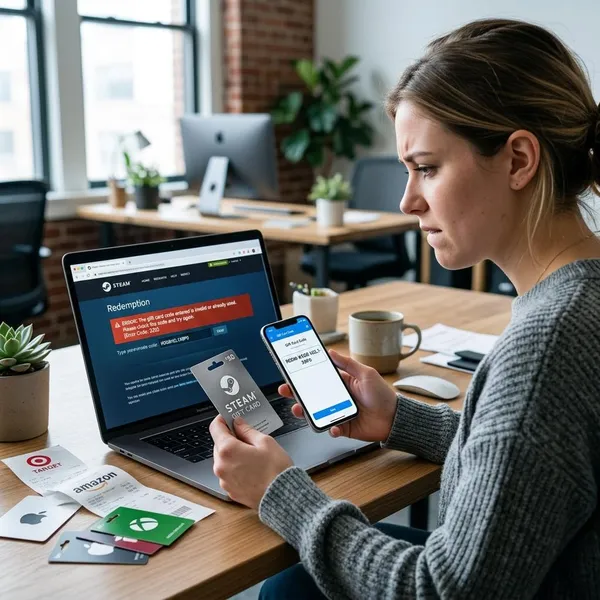
Why a gift card code does not work
Most gift card problems come from a small set of causes: wrong platform, wrong account, region mismatch, mistyped code, previous redemption, or a purchase that the card does not support. Start with those checks before assuming the card has no value.
Wrong platform
A card only works with the platform or merchant that issued it. Apple codes belong in Apple's system, Google Play codes belong in Google Play, and store gift cards belong with that store.
If the card design is vague, look for the official redemption instructions on the back, in the email, or on the merchant's own support page.
Wrong account
The wrong account can either block redemption or send the balance somewhere you did not intend. This is especially easy to do on family tablets, shared phones, and browsers where several accounts are signed in.
Once a platform balance is applied, moving it to another account is often difficult or not available, so check before tapping confirm.
Wrong country or region
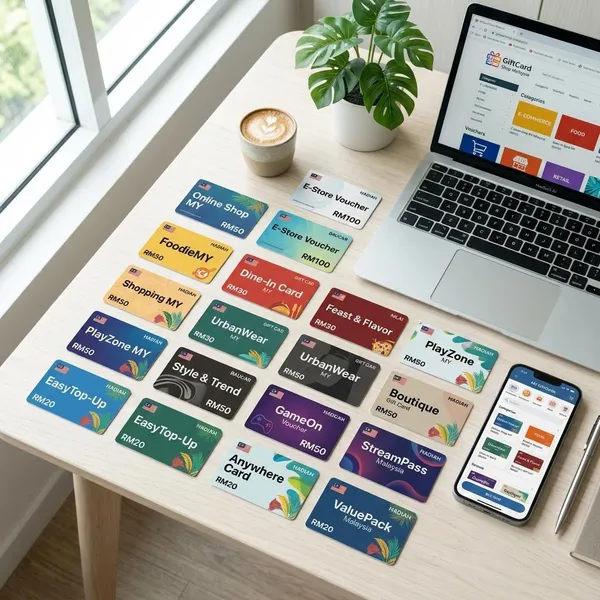
Many digital gift cards are region-specific. A card bought in one country may not redeem into an account registered in another country, even if the code is genuine.
If someone sends you a card from abroad, compare the card's issuing region with your account region before trying repeatedly. Changing an account region can affect subscriptions, balances, and purchase history, so it is not always a simple fix.
Conclusion
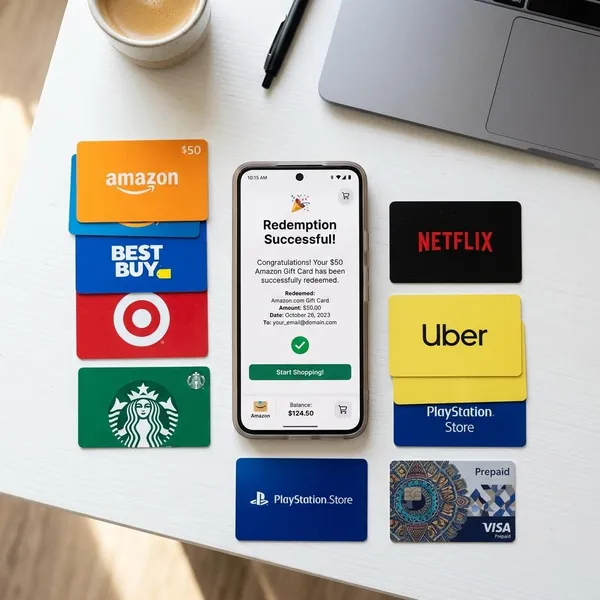
The safest way to handle any gift card is to identify the card type before entering the code: platform balance, retailer payment card, or rewards-issued merchant card. Once you know that, the right path is usually obvious, and the most important final check is the account that will receive the value. A few seconds of checking upfront is much easier than trying to recover a balance sent to the wrong place.