A gift card redeem app can help you use, exchange, sell, or cash out a gift card, but the safest option depends on what you want from the card. Direct redemption usually keeps the most value, while resale or payout apps may give you money back at a lower rate.
What you can do with a gift card redeem app
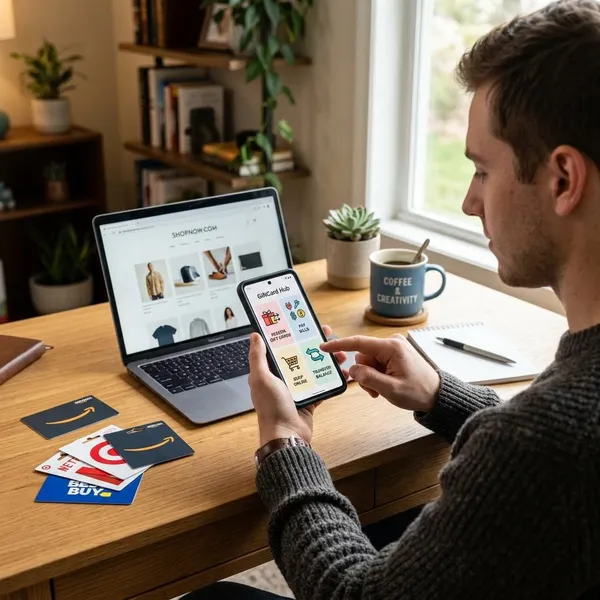
Gift card redeem apps are not all built for the same job. Some help you add a balance to a store account, some buy unwanted cards, and others let you exchange one card for another brand. The right function depends on whether you want to spend, trade, or receive a payout.
| Function | Best when | Main caution |
|---|---|---|
| Redeem a balance | You already shop with the issuing brand | The value usually stays inside that brand or account |
| Sell a card | You do not want the card and prefer a payout | The payout is usually lower than the card value |
| Exchange a card | You want a different brand instead of cash | Available exchange options may be limited |
| Get cash or digital payout | You need money or wallet credit instead of store credit | Rates, fees, regions, and verification rules vary |
| Check card details | You want to confirm balance or card status first | Some checks still require the correct PIN or issuer page |
Best gift card redeem app types by need
The best app type depends on whether your priority is speed, value, direct use, gaming support, or trading flexibility. Comparing app categories first can keep you from sharing card details with a platform that does not fit your goal.
Fast payout apps
Fast payout apps are built for users who want a quick offer and a clear payment timeline. They are useful for lower-value cards or situations where convenience matters more than getting the highest possible rate.
The main downside is value. A platform that pays quickly often takes on more resale risk, so the offer may be lower than what you might get through an exchange or marketplace.
High value exchange apps
High value exchange apps are better when you are willing to wait for a stronger return. They may match cards with demand, compare brand value, or offer better exchange rates for popular cards.
- Best for larger balances where a small rate difference matters.
- Better for popular brands with steady demand.
- Less ideal when you need the payout immediately.
Retail gift card apps
Retail gift card apps are usually the most practical choice when you already shop with the brand. Adding the card to the retailer's account or wallet can keep the full balance available for future purchases.
This option is not a cash-out method, but it may give you the highest real value. A grocery, pharmacy, or marketplace card used for regular spending can be better than selling the same balance at a discount.
Gaming gift card apps
Gaming gift card apps handle brands such as Steam, Xbox, PlayStation, Nintendo, and other digital entertainment platforms. These cards often have region, account, and code rules that general resale apps may not explain clearly.
Always check the exact platform and country before submitting a gaming card. A code that works in one region may fail in another, even if the brand name looks the same.
Peer to peer trading apps
Peer to peer trading apps connect card holders with buyers instead of buying the card directly. This can produce better returns, but it also requires more attention to buyer history, escrow steps, dispute rules, and payout timing.
Beginners should be careful with peer-to-peer and crypto-based trades. Use platforms with clear protection rules, avoid private off-platform messages, and stop if a buyer asks for the code before the trade is protected.
How to choose a safe gift card redeem app
A safe app should explain supported cards, payout rules, fees, verification, account limits, and dispute handling before you submit a code. If the app hides key details or promises unusually high returns with no checks, treat that as a warning sign.
Check app reviews
Look beyond the star rating. Recent reviews are more useful than old praise, especially when users mention delayed payouts, changing rates, rejected cards, account holds, or support that does not respond.
- Look for repeated complaints, not one-off bad experiences.
- Compare app store reviews with forums or independent review sites.
- Give more weight to reviews that mention specific card brands and payout times.
Confirm supported cards
Before uploading anything, confirm that the app accepts your exact card brand, country, format, and balance status. Some platforms accept digital codes but not physical cards, or full-balance cards but not partially used ones.
Clear eligibility rules are a good sign. If the app only reveals restrictions after you submit the card, you may waste time or expose sensitive details unnecessarily.
Review payout options
Payout options should be available in your region and match how you want to receive funds. Bank transfer, PayPal, mobile wallets, crypto, and platform credit can all have different minimums, timelines, and verification requirements.
| Payout detail | What to check |
|---|---|
| Availability | Whether the method works in your country or region |
| Minimum withdrawal | Whether your card value is high enough to cash out |
| Processing time | Whether the timeline is instant, same-day, or several business days |
| Verification | Whether ID, phone, email, or payout account matching is required |
Compare fees and rates
Compare the final amount you will receive, not just the advertised rate. Some apps show one net offer, while others subtract trading fees, withdrawal fees, or rate adjustments after review.
A slightly higher headline percentage can still pay less if the fee structure is unclear. Avoid platforms that will not show how the final payout is calculated before you confirm.
Read account rules
Account rules explain what happens if a card is rejected, why verification may be required, how disputes are handled, and when an account can be paused. These details matter before you share a card number or PIN.
- Check whether multiple card submissions can trigger review.
- Read what proof is needed for high-value cards.
- Confirm how rejected cards are handled.
- Look for clear support channels and response expectations.
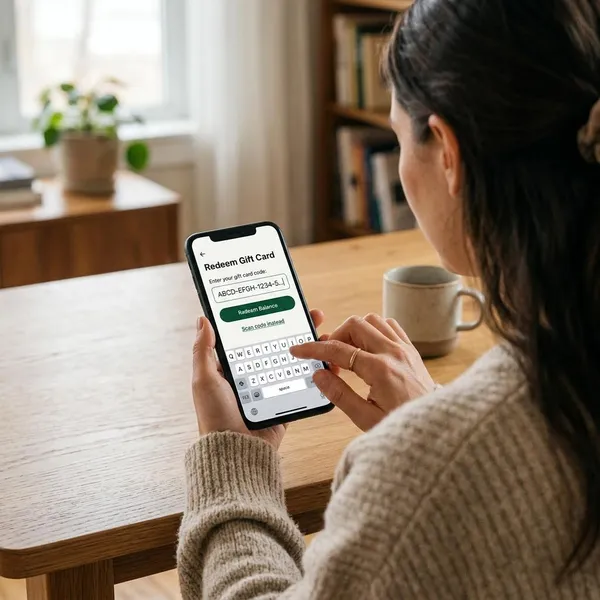
How to redeem a gift card in an app
Most apps follow a similar process: prepare the card details, keep proof of purchase, create an account, complete verification if required, then review the offer or redemption summary before confirming.
Prepare the card code
Gather the card number, PIN, barcode, balance, issuer name, and any activation details before you begin. For digital cards, keep the original email or order message. For physical cards, make sure the code area is readable before taking photos or typing the numbers.
- Check the balance first if the app requires an exact amount.
- Enter numbers and PINs slowly to avoid automatic rejection.
- Do not send card details through unofficial chat or social media accounts.
Save proof of purchase
Keep the store receipt, confirmation email, order number, or gift message until the transaction is complete. Apps may request proof for newer cards, higher-value cards, cards often targeted by fraud, or submissions that need manual review.
Create an account
Use accurate contact details and a strong password. If the app offers two-factor authentication, turn it on before saving payout information or submitting a card.
Account information should match the payout method when verification is required. Name, email, phone, and payment account mismatches can slow down approval.
Complete verification
Verification may involve email confirmation, phone verification, payout account matching, or identity review. It is more common with high-value cards, cash payouts, crypto payouts, and marketplace trading.
- Submit clear documents only through the official app or website.
- Make sure account details and payout details match.
- Read how long verification normally takes before submitting a card.
Submit and confirm
Before confirming, review the card brand, balance, quoted payout or exchange value, fees, payout method, and processing time. If the offer is lower than expected or the timeline does not fit, stop before the card enters review.
- Confirm that the app supports the exact card brand, region, and format.
- Check the current balance and keep proof of purchase nearby.
- Review the payout method, fees, and processing timeline.
- Save the confirmation screen, transaction ID, and support email.
- Wait for the app's decision before trying to submit the same card elsewhere.
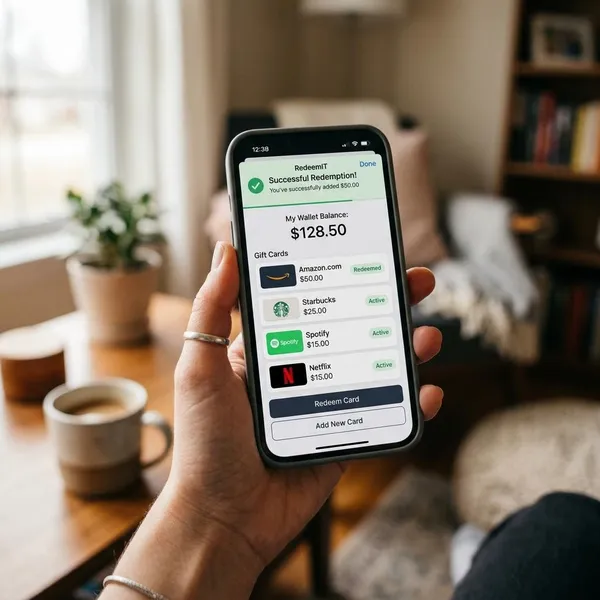
After submission, keep all records until the payout, exchange, or redemption is complete. If support is needed, the transaction ID and confirmation email will help the app locate your case faster.
Conclusion
The best gift card redeem app depends on your goal. Use a retail app when you want full spending value, an exchange app when you prefer another brand, and a payout app when you are comfortable receiving less than face value for cash or digital funds.