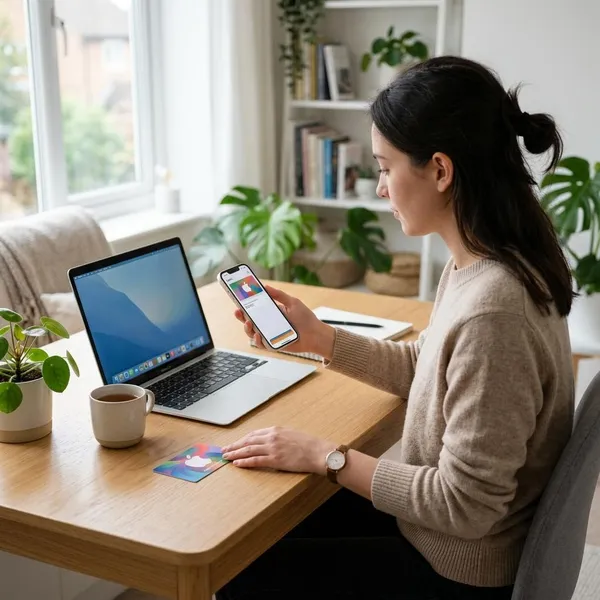
To check Apple Gift Card balance, first decide whether the card has already been redeemed. A redeemed card shows as Apple Account balance, while an unused card still holds its value in the 16 digit code until you add it to an Apple Account.
How to check your Apple Gift Card balance
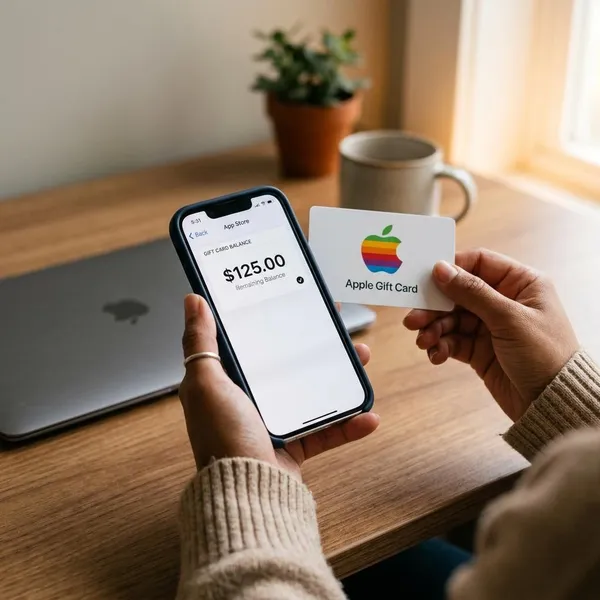
The quickest place to start is the App Store account page. If the card was already redeemed, the available value should appear as Apple Account balance. If the card has not been redeemed, you usually need to redeem the 16 digit code before there is a balance to view.
- Already redeemed: check Apple Account balance in the App Store, on Mac, or through supported Apple apps on Windows.
- Unused card: keep the card or email and use the 16 digit code when you are ready to redeem.
- Problem card: save the receipt and contact Apple Support if the code is damaged, invalid, or already marked as redeemed.
Check redeemed balance
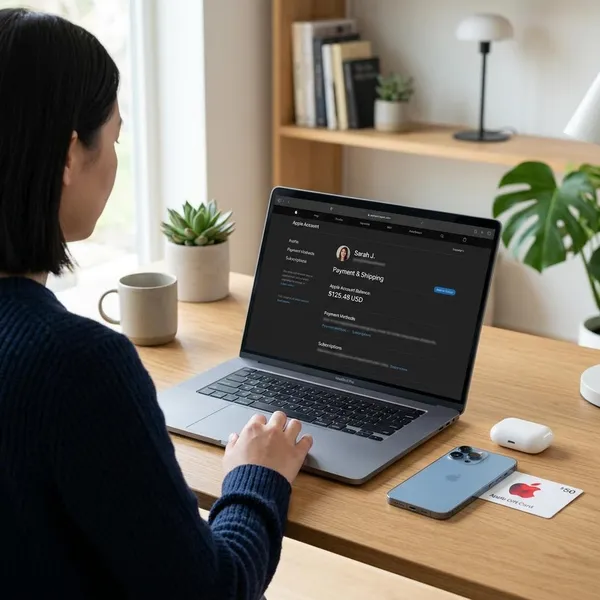
A redeemed Apple Gift Card becomes Apple Account balance. On iPhone or iPad, open the App Store and tap your profile icon. On Mac, open the App Store and click your name. On Windows, sign in through Apple Music or Apple TV if available in your region.
| Device | Where to check | What you should see |
|---|---|---|
| iPhone or iPad | App Store profile page | Apple Account balance under your name if funds remain |
| Mac | App Store account area | Balance near your account details |
| Windows | Apple Music or Apple TV account area | Available balance after signing in |
Check an unused card
An unused Apple Gift Card normally will not appear as Apple Account balance yet. The value is still attached to the card code, so keep the physical card, email, or receipt safe until you redeem it. Do not share the code with anyone who is not meant to use it.
Use the right Apple Account
Before redeeming, check the Apple Account shown on the screen. This is especially important if you use one account for iCloud and another for App Store purchases, or if you share a device with family members.
- The balance follows the Apple Account, not the device.
- Redeemed balance usually cannot be moved to another account.
- Check the account email before tapping Redeem.
Contact Apple Support if needed
Contact Apple Support if the code is unreadable, rejected, already redeemed, or missing after redemption. Keep the card, the 16 digit code, and proof of purchase available. For a physical card, clear photos of the front and back may help support review the issue.
How to check Apple Gift Card balance on iPhone or iPad
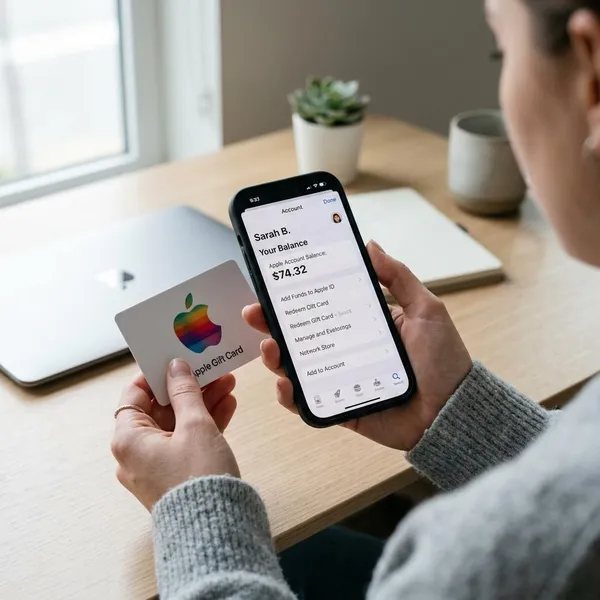
On iPhone or iPad, the App Store is usually the simplest place to check a redeemed Apple Gift Card balance. Make sure the device is connected to the internet and that you are using the Apple Account linked to your purchases.
Open the App Store
Open the App Store app on your iPhone or iPad. You do not need a separate balance checker app, because redeemed funds are shown through your Apple Account area.
Tap your profile
Tap your profile photo, initials, or sign-in icon in the top right corner. This opens the account page where Apple shows purchase details, subscriptions, and available account balance when funds are present.
Sign in if asked
If the App Store asks you to sign in, use the Apple Account you normally use for App Store purchases. A family member's account, work account, or older Apple ID may show a different balance.
View Apple Account balance
Look below your name or Apple Account email. If redeemed funds are available, the balance should appear there. If it is missing, check whether the card was redeemed to another account, already spent, or still waiting for a short refresh.
- Close and reopen the App Store if the balance was just redeemed.
- Check purchase history if the balance seems lower than expected.
- Confirm the account email before trying the code again.
Check Wallet if added
If you have an Apple Account card in Wallet, open the Wallet app and tap it. In supported regions, the balance may appear there too. If Wallet does not show it, the App Store account page is still the better place to check.
How to redeem an Apple Gift Card
Redeeming an Apple Gift Card adds its value to an Apple Account. Before entering the code, confirm that the account on the screen is the one you want to use for apps, subscriptions, iCloud storage, or other eligible Apple purchases.
Open the redemption page
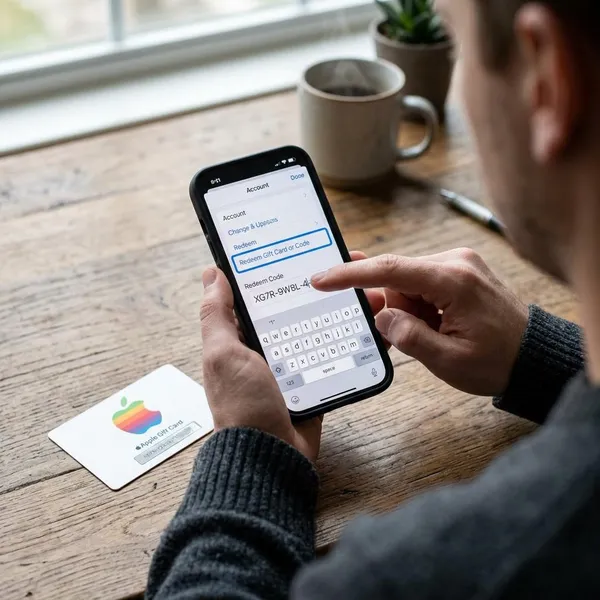
On iPhone or iPad, open the App Store, tap your profile, and choose Redeem Gift Card or Code. On Mac, open the App Store, click your name, and select the redeem option. On Windows, look for Redeem after signing in to Apple Music or Apple TV.
Enter the 16 digit code
For a physical card, the 16 digit code is usually on the back under a peel-off or scratch-off area. For an emailed card, the code may appear in the message or behind a redeem button.
- Enter the code exactly as shown.
- Watch for similar-looking characters such as O and 0 or I and 1.
- Keep the card and receipt until the balance appears.
Use the camera if available
Some Apple devices let you scan the code with the camera. Use this option when it appears on the redeem screen, especially if the printed code is clear. If scanning fails, switch to manual entry and type the code carefully.
Redeem to the right account
Check the Apple Account shown before confirming redemption. Once the value is added, it is usually tied to that account. This matters for shared iPads, Family Sharing setups, work devices, and people who use more than one Apple ID.
Check the new balance
After redemption, return to your App Store profile and check the Apple Account balance. If it does not update right away, wait a few minutes, refresh the App Store, and review whether a pending purchase or subscription may have used part of the amount.
Why your Apple Gift Card balance is not showing
A missing balance does not always mean the card failed. Most issues come from the wrong Apple Account, a card that has not been redeemed, a spent balance, a short sync delay, or a region mismatch.
| Possible reason | What it means | What to try |
|---|---|---|
| Wrong Apple Account | The card was redeemed to a different account. | Check the account email in the App Store. |
| Card not redeemed | The value is still tied to the code. | Redeem the card through Apple's official flow. |
| Zero remaining balance | The funds may already have been used. | Review recent purchases and subscriptions. |
| Sync delay | The account page has not refreshed yet. | Close and reopen the App Store or wait briefly. |
| Region mismatch | The card and account may belong to different regions. | Check the card terms and Apple Account region. |
What you can buy with Apple Account balance
Apple Account balance can pay for many Apple digital purchases and, in supported regions, some Apple products or accessories. Availability depends on the card type, country or region, and the checkout rules for the purchase.
Apps and games
You can usually use Apple Account balance to buy paid apps and games from the App Store. The charge should appear in your Apple purchase history after the order is completed.
In app purchases
Eligible in app purchases can also use Apple Account balance. This may include game currency, app upgrades, digital content, or premium features, depending on the app and region.
- Check purchase permissions on shared family devices.
- Review small repeat purchases if the balance drops quickly.
- Keep a backup payment method if Apple requires one for certain transactions.
Apple subscriptions
Apple Account balance can often pay for subscriptions such as iCloud+, Apple Music, Apple TV+, Apple Arcade, and other eligible services. If the balance is not enough for the full renewal, Apple may ask for or use another payment method.
Apple products where supported
In supported countries or regions, Apple Account balance may be available for Apple products and accessories through Apple channels. Check the local checkout screen before planning a hardware purchase, because payment options can vary.
Purchases with limits
Some purchases may not accept Apple Account balance, or they may require a payment card on file. Limits can depend on region, item type, Family Sharing settings, and how Apple allows balance to combine with other payment methods.
Conclusion
To check an Apple Gift Card balance, look at whether the card is unused or already redeemed. Redeemed funds appear as Apple Account balance, while an unused card still needs the 16 digit code. The most important check is the signed-in Apple Account, because redeemed funds are attached to the account that received them.