An Apple Gift Card can add prepaid credit to your Apple Account balance after redemption. You can use that balance for eligible apps, games, subscriptions, iCloud storage, media, and, in supported regions, Apple products or accessories.
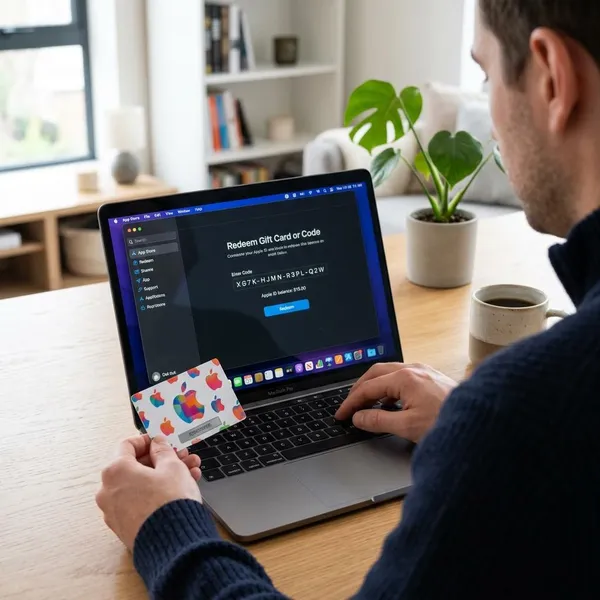
How to redeem an Apple Gift Card
Redeeming an Apple Gift Card usually takes only a few steps. Find the code, sign in with the account that should receive the funds, open a supported Apple app, scan or type the code, and confirm that the balance was added.
- Find the 16 digit code on the card or in the gift card email.
- Sign in with the Apple Account you want to use for purchases.
- Open the App Store or another supported Apple app.
- Scan the code or enter it manually.
- Check your Apple Account balance after redemption.
Find the 16 digit code
Most physical Apple Gift Cards have a 16 digit redemption code on the back. It may be hidden under a peel-off or scratch-off area, so reveal it carefully and avoid damaging the characters.
The redemption code is not the same as the serial number. The code adds value to your account, while the serial number may help Apple Support identify the card if there is a problem.
Sign in with your Apple Account
Before redeeming, check the Apple Account shown on the device. This matters on shared iPhones, family iPads, older Macs, or devices where more than one person has used the App Store.
- Use the account that should receive the balance.
- Check the email address before tapping Redeem.
- Do not redeem to a work, child, or old account by mistake.
Open the App Store or supported app
On most Apple devices, the App Store is the easiest place to redeem. On Windows, Apple Music or Apple TV may show a redeem option after you sign in. If the gift card arrived by email, the message may include a direct redeem button.
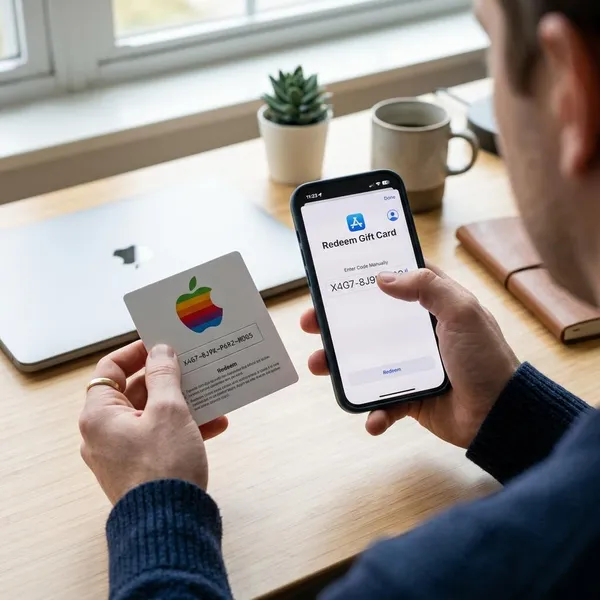
Scan or enter the code
If the app offers a camera option, scanning can reduce typing mistakes. Manual entry is better when the code is in an email, the camera cannot focus, or the printed characters are worn.
Check similar-looking characters carefully, such as O and 0 or I and 1. If the code fails, do not keep guessing quickly. Review the card type, region, and account before trying again.
Check that the balance was added
After redemption, look for a confirmation message and then check your Apple Account balance. If the amount does not show immediately, close and reopen the App Store or refresh the account page.
Keep the card, email, packaging, and receipt until the balance is visible. These records are useful if the code is unreadable, invalid, not activated, or marked as already redeemed.
Where to redeem an Apple Gift Card
You can redeem an Apple Gift Card through the App Store on iPhone, iPad, or Mac. Some emailed cards can also be redeemed from the message link. The best choice is usually the device where you can clearly confirm the correct Apple Account.
| Redemption place | Best for | What to check first |
|---|---|---|
| iPhone App Store | Fast mobile redemption | Profile email and camera access |
| iPad App Store | Larger screen and shared family devices | Which Apple Account is signed in |
| Mac App Store | Typing codes or redeeming from email | Account name in the App Store sidebar |
| Email gift card link | Digital gift cards sent by email | Sender legitimacy and official Apple flow |
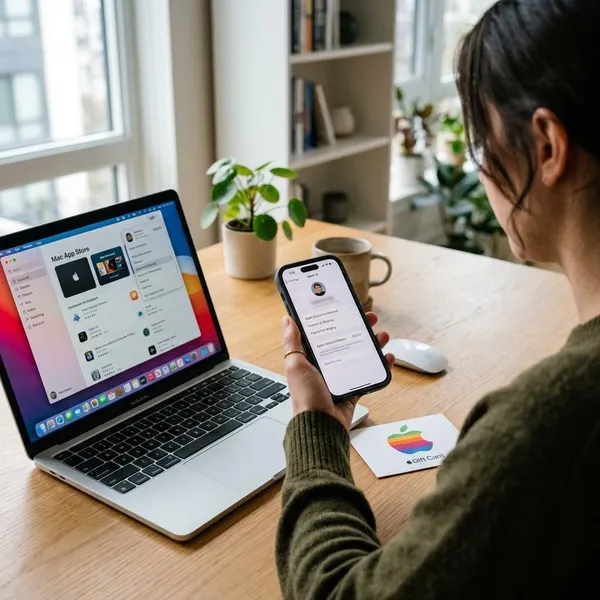
How to check your Apple Gift Card balance
After redemption, your Apple Gift Card value usually appears as Apple Account balance. The App Store profile is the quickest place for many users, while Wallet may show the balance in supported regions and account setups.
Use Apple’s balance page
Apple’s official pages can help with eligible balance checks and card support. Use only Apple’s website or Apple apps when entering gift card details, because a card code can be used like cash before redemption.
Check Apple Account balance
Once redeemed, the card value belongs to the Apple Account that received it. If you redeem more than one card, the account balance usually shows the combined available amount rather than a separate balance for each card.
This balance may be used automatically for eligible purchases before another payment method is charged.
Open your App Store profile
On iPhone or iPad, open the App Store and tap your profile photo. On Mac, open the App Store and click your account area in the sidebar.
- Look under your name or account email for Apple Account balance.
- Confirm the email if the amount looks wrong.
- Refresh the app if you redeemed the card only a few minutes ago.
Check Wallet where supported
In supported regions, your Apple Account card may appear in Wallet and show available balance. Wallet support is not universal, so the App Store profile remains the safer place to confirm funds if you do not see the balance there.
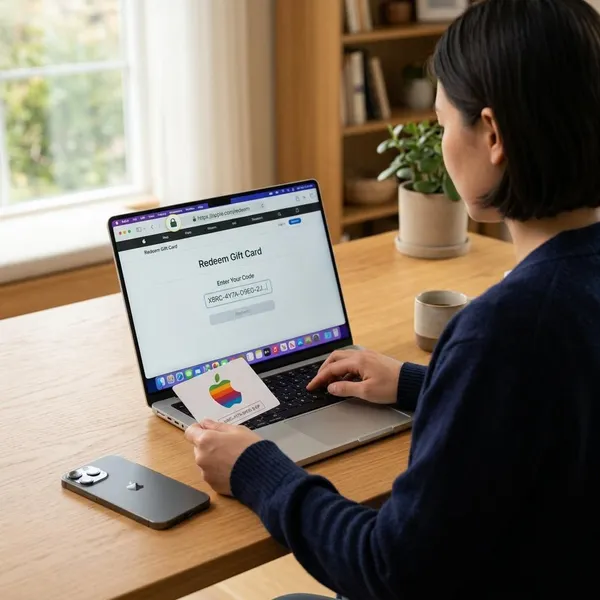
How to use an Apple Gift Card safely
Apple Gift Cards are convenient, but the code should be protected carefully. Buy from reliable sources, keep proof of purchase, and never share the code with anyone who asks for gift cards as payment.
Buy from trusted sellers
Buy directly from Apple or from well-known retailers. This lowers the risk of tampered packaging, inactive cards, copied codes, or cards that were already compromised before purchase.
Be careful with unusually discounted cards, resale listings, or person-to-person offers. A low price is not helpful if the code has already been used or the card cannot be activated.
Keep the receipt
Keep the receipt or digital order confirmation until the card has been redeemed and the balance is visible. If the card is not activated, damaged, or marked as already redeemed, proof of purchase may be needed for support.
Save the card packaging
Do not throw away the card or packaging immediately. The packaging may include a barcode, serial number, or other identifying details that help Apple or the retailer review an issue.
For emailed cards, save the original message until the balance is confirmed. It may include the sender, order details, redeem link, or code information.
Keep the code private
Treat the code like cash. Do not send it through random messages, post photos with the code visible, or enter it into unverified websites. Once someone else redeems the code, recovery can be difficult.
- Enter the code only through Apple’s official website, apps, or support-guided process.
- Hide the code before photographing or sharing the card design.
- Keep email gift cards out of shared inboxes if the code is visible.
Avoid gift card payment scams
Apple Gift Cards are not a normal payment method for taxes, government fees, utility bills, tech support, fines, refunds, or account problems. If someone tells you to buy Apple Gift Cards and send the code, it is almost always a scam.
| Warning sign | Why it is risky |
|---|---|
| Urgent threats | Scammers pressure you before you can verify the request. |
| Requests for code photos | Anyone with the code may redeem the balance. |
| Payment outside official channels | Real companies do not fix bills or account problems with gift card codes. |
| Claims of prizes or refunds | Gift cards are often used to make fake fees seem easy to pay. |
End the conversation and verify through the company’s official contact channels if a caller, email, text, or popup asks for an Apple Gift Card code.
Conclusion
An Apple Gift Card is easiest to use when you redeem it to the correct Apple Account, check that the balance was added, and keep the code private. The App Store is usually the simplest redemption path, while email links and supported Apple apps can also work.