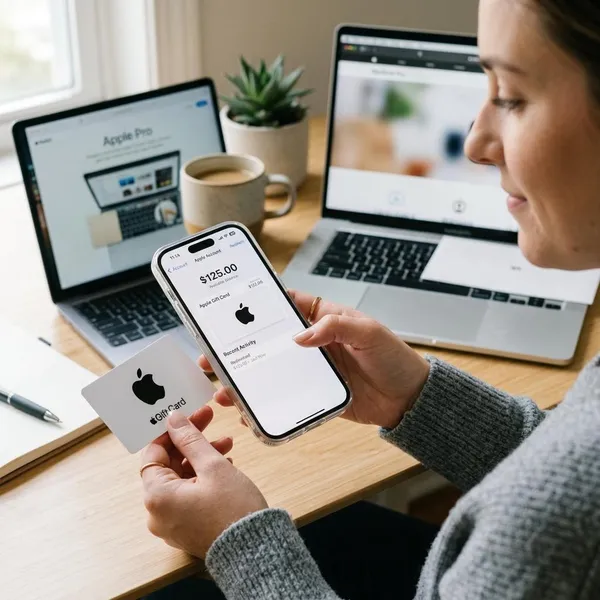
To check apple gift card balance, first decide whether the card is unused or already redeemed. An unused card can be checked or redeemed with its code, while a redeemed card appears as Apple Account balance on the account that received the funds.
How to check Apple Gift Card balance quickly
The right place to check depends on the card status. If the card has not been redeemed, use Apple’s official balance page when the card type supports it. If the card was redeemed, check Apple Account balance in the App Store or another Apple account area.
- Unused card: use Apple’s official balance page or redeem the card through Apple.
- Redeemed card: check the Apple Account balance on the same account used for redemption.
- Missing balance: refresh the App Store and confirm the signed-in account.
- Code error: keep the card and receipt, then contact Apple Support.
Use Apple's balance page
Apple’s balance page is useful for checking eligible Apple Gift Cards before you spend or redeem them. Enter the code only through Apple’s official website or inside an Apple app, not through third-party balance checker pages.
If the page does not accept the card, the card may be an older type, from another region, or intended for a different Apple purchase channel. In that case, identify the card type before trying again.
Check Apple Account balance
Once a card is redeemed, the value becomes Apple Account balance. It is attached to the Apple Account used during redemption, not simply to the iPhone, iPad, Mac, or Windows PC where the code was entered.
Check the same Apple Account you use for App Store purchases, subscriptions, or Apple services. If you use different accounts for iCloud and purchases, the balance may be on the purchase account.
Open the App Store profile
On iPhone or iPad, open the App Store and tap the profile icon in the top right corner. If Apple Account balance is available, it should appear under your name or account email.
- Open the App Store.
- Tap your profile photo, initials, or sign-in icon.
- Check the Apple Account balance shown under the account name.
- Confirm the email address if the balance looks wrong.
Refresh the account balance
A newly redeemed balance may not appear instantly on every screen. Close and reopen the App Store first. If that does not work, check your internet connection and sign in again to the purchase account.
- Wait a few minutes after redemption.
- Close the App Store completely and reopen it.
- Confirm the Apple Account email in the profile area.
- Sign out of Media and Purchases only if you are comfortable doing so.
Contact Apple Support
Contact Apple Support if the code is unreadable, invalid, already redeemed, or not activated correctly. Keep the card, the sales receipt, the delivery email, and the serial number if you have them.
The serial number is different from the redemption code. Apple may need it to review a damaged or problem card, so do not throw away the card until the balance issue is resolved.
Which Apple gift card do you have
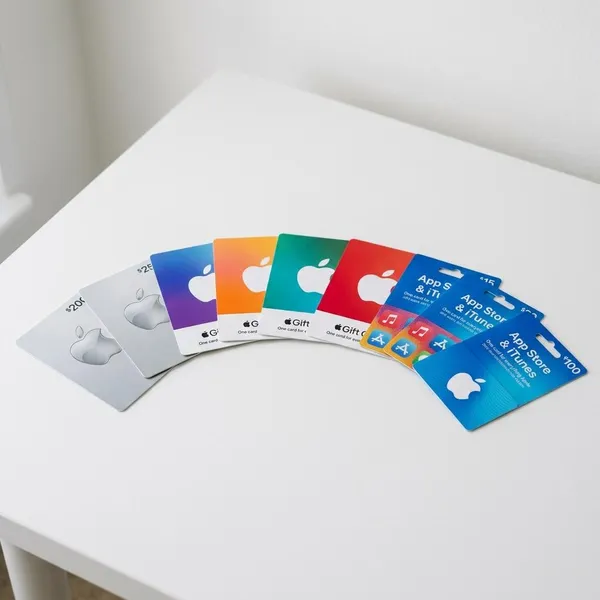
Apple has used different gift card names over time, and the wording on the card affects where it can be used. Identifying the card type helps you avoid trying to redeem a card in the wrong place.
| Card type | Main use | Balance check point | Important caution |
|---|---|---|---|
| Apple Gift Card | Apple Account balance, digital purchases, and Apple products where supported | Apple balance page or Apple Account balance after redemption | Availability can depend on country or region |
| App Store and iTunes Gift Card | Apps, games, subscriptions, music, movies, and other digital purchases | Apple Account balance after redemption | May not work for Apple hardware purchases |
| App Store Card | App Store and account-based digital purchases | Apple Account balance after redemption | Redeem only to the account you plan to use |
| Apple Store Gift Card | Apple retail store or Apple online store purchases | Apple Store purchase channel or Apple Support if unclear | May not redeem in the App Store |
How to redeem an Apple Gift Card
Redeeming an Apple Gift Card moves the value into Apple Account balance. Before you redeem, make sure the Apple Account on the screen is the one you want to use for purchases, subscriptions, or iCloud storage.
Find the 16 digit code
Most Apple gift cards have a 16 digit redemption code on the back of the card or inside the gift card email. Physical cards may have a peel-off or scratch-off area that reveals the code.
- Reveal the code carefully so the characters stay readable.
- Check similar-looking letters and numbers such as O and 0.
- Keep the card and receipt until the balance appears.
- Do not confuse the redemption code with the serial number.
Redeem in the App Store
On iPhone or iPad, open the App Store, tap your profile icon, and choose Redeem Gift Card or Code. You can scan the code with the camera or enter it manually.
After redemption, return to the App Store profile and check the Apple Account balance. If the amount does not appear right away, wait briefly and refresh the account page.
Redeem in Wallet
In supported regions and account setups, you may be able to redeem through Wallet by using the Apple Account card. If Wallet does not show a redeem option, use the App Store method instead.
Redeem on Mac
On Mac, open the App Store, click your name or the sign-in button, and choose the redeem option. Enter the code manually or use the camera when available, then check the account balance after redemption.
Redeem on Windows
On Windows, redemption may be available through Apple Music or Apple TV after signing in with your Apple Account. Look for the account menu, choose Redeem, enter the code, and confirm that the balance appears on the same account.
Redeem from email
If the Apple gift card arrived by email, open the message and use the official redeem button or code. Check the sender and message carefully before clicking, especially if the email creates urgency or asks you to forward the code.
Real redemption should happen through Apple’s official process. Never send the code to another person to unlock a prize, pay a bill, verify an account, or fix a supposed emergency.
Why your Apple gift card balance is not showing
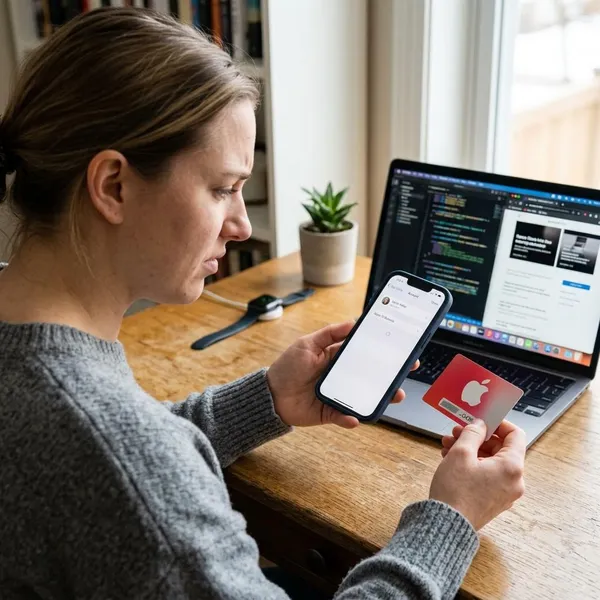
A missing balance usually comes from one of five causes: the wrong Apple Account, an unredeemed card, no remaining balance, an app refresh issue, or a region mismatch. Start with the simplest checks before assuming the card failed.
| Problem | Likely cause | What to do |
|---|---|---|
| Balance not visible | Wrong Apple Account | Check the account email in the App Store profile |
| Card value not added | Card not redeemed | Redeem the code or use Apple’s official balance page if supported |
| Balance was there before | No remaining balance | Review purchase history and subscription renewals |
| Recently redeemed card missing | App needs refresh | Close the App Store, reopen it, or sign in again |
| Code does not work | Region mismatch | Compare the card region with the Apple Account region |
What you can buy with Apple Account balance
Apple Account balance can be used for many Apple purchases, especially digital purchases and subscriptions. Product purchase options depend on the card type, Apple Account region, and local Apple payment rules.
| Purchase type | Usually supported | Check before paying |
|---|---|---|
| Apps and games | Yes, for eligible App Store purchases | Whether the balance covers the full price |
| In app purchases | Often, when billed through Apple | Whether the purchase is one-time or recurring |
| Apple subscriptions | Often, for eligible subscriptions | Renewal date and backup payment method |
| iCloud storage | Often, because iCloud+ is an Apple subscription | Whether the balance is enough for the next renewal |
| Apple products where supported | Only in supported countries or regions | Local Apple checkout options |
Apps and games
Apple Account balance can usually pay for eligible paid apps and games from the App Store. If the balance is not enough, Apple may ask for another payment method to cover the rest.
In app purchases
Many in app purchases can use Apple Account balance when they are billed through Apple. Check whether the item is a one-time purchase or a recurring subscription before confirming.
Apple subscriptions
Apple Account balance can often pay for Apple subscriptions such as Apple Music, Apple TV+, Apple Arcade, and other eligible services. If the balance runs low, a linked payment method may be used for the remaining charge.
iCloud storage
Apple gift card balance can often be used for iCloud+ storage because it is an Apple subscription. Redeem the card before the renewal date if you want the balance to apply to the next charge.
Apple products where supported
In some countries or regions, Apple Account balance from an Apple Gift Card can be used for Apple products and accessories through Apple channels. Check the local Apple checkout screen before relying on the balance for hardware or a larger product purchase.
Expensive orders may need another payment method for taxes, shipping, or the remaining amount. If checkout does not allow the balance, review the card type and regional purchase rules.
Conclusion
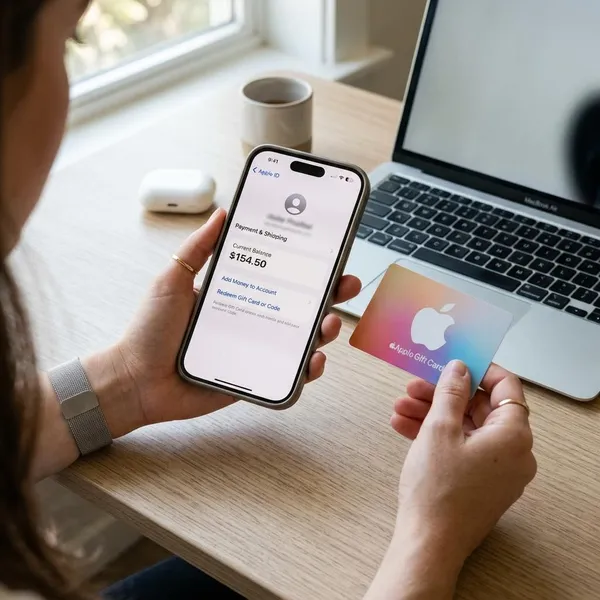
An unused Apple Gift Card is checked or redeemed with its code, while a redeemed card appears as Apple Account balance. If the balance is missing, check the signed-in account, refresh the App Store, review purchase history, and confirm the card region before assuming the value is lost.