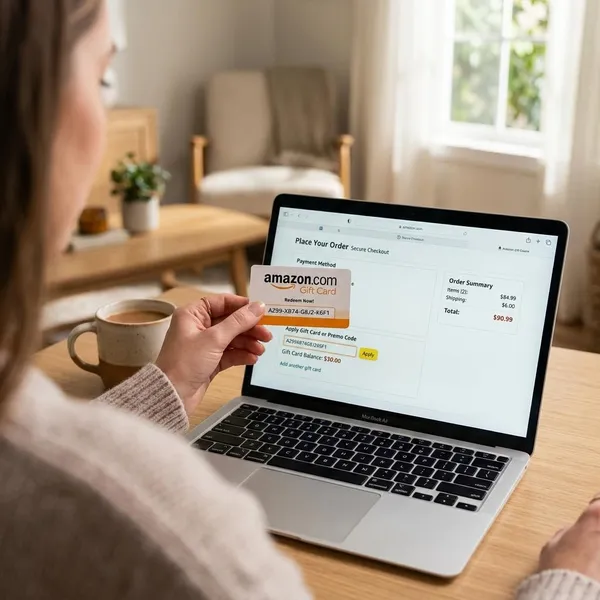
An Amazon gift card is simple to use. Its value is first linked to a claim code, and after redemption, it is added to your Amazon account. You buy or receive the card, add the code to the right account, and the balance can usually be used for eligible orders at checkout. The most important things are to use the correct Amazon marketplace and keep the code private until it has been safely redeemed.
How an Amazon gift card works
Buy the card
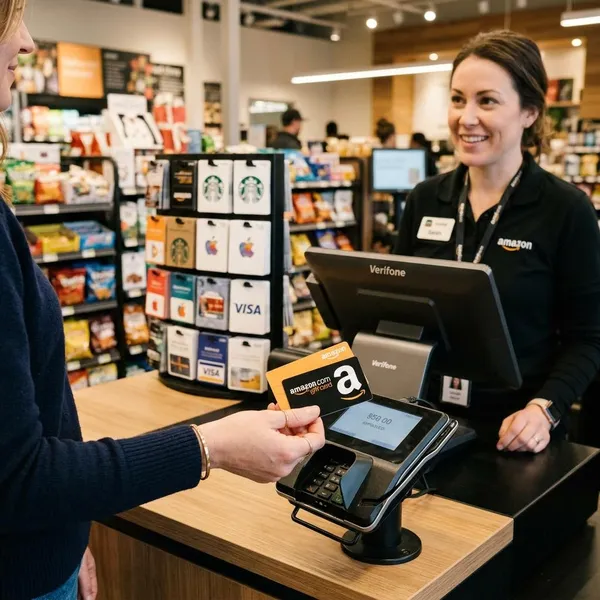
You can buy the card directly from Amazon or from a trusted retailer that sells official gift cards. Buying from Amazon is usually the cleanest option because the order, delivery, and support trail are all in one place.
Be cautious with discounted cards from unknown sellers. A card that looks unusually cheap can be already used, stolen, region-locked, or difficult to verify later.
Send or receive the code
After purchase, the buyer either sends a digital card or gives a physical or printable card. The important part is not the design or packaging; it is the claim code. Anyone who gets that code may be able to redeem the value first.
- Email card: useful for quick gifts, but the address must be exact.
- Physical card: better for in-person gifting, but keep the receipt until it is redeemed.
- Printable card: handy when you need something same-day but still want to hand it over.
Redeem it to an account
Redeeming means adding the code to a specific Amazon account. Before entering the code, check that you are signed in to the account you actually use for shopping. This matters if you have an old account, a work account, or a shared household login.
For a low-risk birthday gift, redeeming soon simply prevents the email from getting lost. For a higher-value card, redeeming promptly also lets you catch a problem while the sender still has the order confirmation or receipt.
Use the balance at checkout
Once the balance is in your account, Amazon will often apply it automatically to eligible items during checkout. If the balance covers the order, you may not need another payment method. If it only covers part of the order, the remaining amount can often be paid with a card or another accepted payment option.
Track what is left
Check your gift card balance after redemption and again after using it. This confirms that the code worked, shows what remains, and helps you avoid assuming a future order is covered when only a small amount is left.
A small leftover balance is still worth tracking. It can reduce the cost of a household refill, a book, a digital item, or part of a larger order.
How to buy an Amazon gift card
Select the card type
Choose the format based on speed and presentation, not just habit.
| Card type | Best fit | Watch out for |
|---|---|---|
| Digital | Last-minute gifts or long-distance recipients | Email or phone number mistakes |
| Physical | Birthdays, holidays, office exchanges | Shipping time and lost packaging |
| Print-at-home | Same-day in-person gifting | Printer quality and presentation |
Choose the value
Pick an amount that fits what the gift is meant to do. A small amount can be enough for a thank-you gift or stocking stuffer. A larger amount makes more sense if you want to help with a bigger purchase, such as home items, baby supplies, or a graduation gift.
If you are unsure, think in terms of usefulness rather than round numbers. A modest card that covers a real everyday purchase often feels better than a random amount with no purpose.
Add recipient details
For digital delivery, carefully enter the recipient's email address or phone number. For physical delivery, check the full shipping address, including apartment number, postal code, and recipient name.
This is one of the easiest places to make a frustrating mistake. If the gift is time-sensitive, such as a same-day birthday or employee reward, slow down and verify the details before paying.
Pick a delivery method
Use email when speed matters, text when the recipient is likely to notice a phone message faster, physical delivery when presentation matters, and print-at-home when you need something tangible without waiting for shipping.
If Amazon offers scheduled delivery, use it for birthdays or planned events. Still, do not schedule at the last possible minute if the gift is important; spam filters, typos, and payment checks can create delays.
Confirm the order
Before placing the order, review the card value, design, recipient details, delivery method, and delivery date. Also make sure you are buying from the Amazon marketplace the recipient actually uses.
- Confirm the format fits the occasion.
- Check the value and currency or marketplace.
- Review email, phone, or shipping details.
- Save the receipt or order confirmation.
That saved confirmation is useful if the recipient cannot find the card, the email lands in spam, or support needs proof of purchase.
How to redeem an Amazon gift card
Find the claim code
Look for the claim code in the email, text, printable file, card sleeve, or under the scratch-off area on a physical card. If it is a physical card, scratch gently so you do not damage the characters.
Keep the packaging or message until the balance appears in your account. If the code fails, those details can help support identify the purchase.
Open your Amazon account
Sign in to the Amazon account where you want the funds to stay. Do this before clicking any redemption link, especially if you have more than one account saved in your browser or app.
Go to gift card balance
Open the gift card area in your account. Depending on the Amazon site, it may be labeled "Gift Card Balance," "Redeem a Gift Card," or similar. This page usually shows both the redemption field and your current balance.
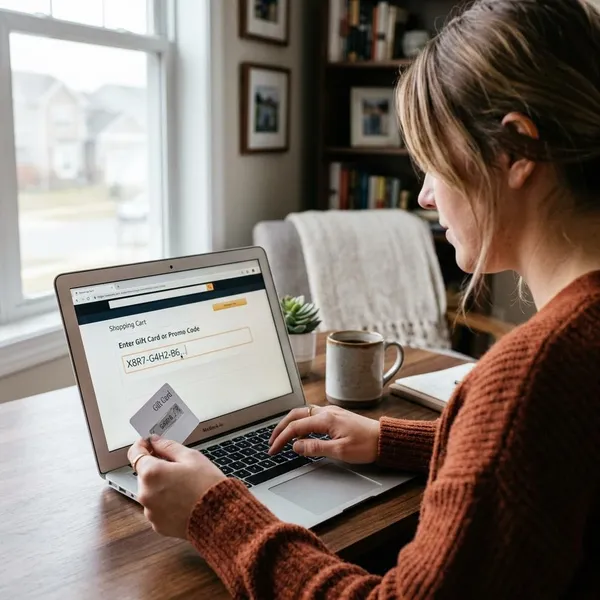
Enter the code
Type or paste the claim code exactly as shown. If it does not work, check for simple errors first: mixed-up letters and numbers, missing characters, an already-redeemed code, or a card from a different Amazon marketplace.
Avoid entering the code through links in suspicious messages. Go directly to Amazon or use the official app if anything about the email or text feels off.
Check the updated balance
After submitting the code, confirm that the balance changed. If it has not updated, refresh the page and review the balance history before assuming the card is unusable.
If the problem remains, gather the code, receipt, card packaging, and any delivery email before contacting support. That is much easier than trying to reconstruct the purchase later.
How to use Amazon gift card balance
Apply balance at checkout
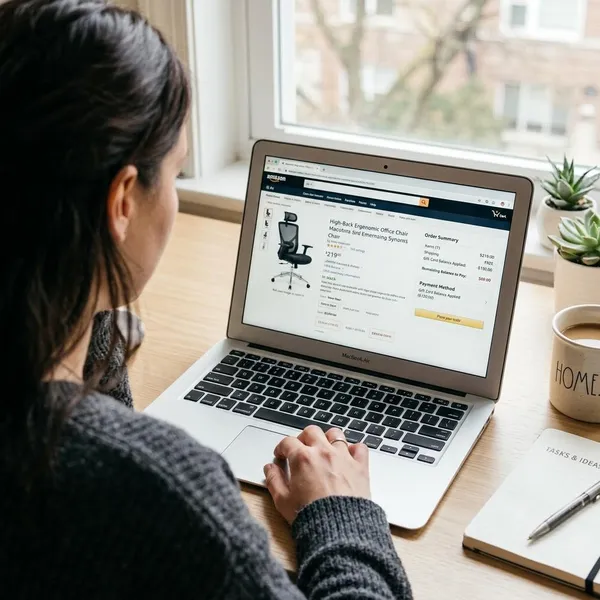
At checkout, review the payment summary before placing the order. Amazon may apply the gift card balance automatically, but checking the final payment line prevents surprises.
This matters most when the order is larger than your balance or when you are buying something outside your usual shopping pattern, such as a third-party item, subscription-related purchase, or international marketplace order.
Combine with another payment method
If the order total is higher than your gift card balance, you can often use the balance first and pay the rest with another accepted payment method. That makes even a small leftover amount useful.
For example, a small balance may not cover a kitchen appliance, school supplies, or a larger household order, but it can still reduce the final card charge. You do not need to find an item that matches the gift card amount exactly.
Check remaining funds
After the order, check what remains. This is especially useful in a shared household account where more than one person may place orders and the balance can drop without everyone noticing.
Review purchase limits
Gift card balance is flexible, but it is not the same as cash everywhere. Before relying on it for a specific purchase, look at the checkout payment section and any item or marketplace restrictions shown there.
- Marketplace match: a card for one Amazon country may not work on another Amazon site.
- Account attachment: redeemed funds usually stay with the account that claimed them.
- Item eligibility: some purchases may not accept gift card balance in the way you expect.
- Refund handling: refunds involving gift cards may return as balance rather than cash.
For everyday shopping, this is usually not a problem. For international gifts, high-value cards, or a card meant for one specific item, check before buying or redeeming.
Keep the code private
Treat the claim code like cash until it is redeemed. Do not post a photo of the card, forward the email casually, or read the code to someone who contacts you unexpectedly.
Be especially careful with urgent payment requests. If someone claims you must pay a bill, fine, tax, tech support fee, or emergency charge with Amazon gift card codes, stop and verify through an official channel. That pattern is a common sign of gift card fraud.
Conclusion
An Amazon gift card is easy to use when you handle it in the right order: buy from a reliable source, send the code to the right person, redeem it to the correct account, and check the balance before checkout. The biggest mistakes are usually simple ones, such as using the wrong marketplace, mistyping recipient details, redeeming to an old account, or sharing the code too freely.