If an amazon gift card picture shows a readable claim code, barcode, or QR code, treat it like cash. A front-only photo of the design is usually low risk, but a sharp image of the back, an eGift email, or a printable card can be enough for someone else to redeem it.
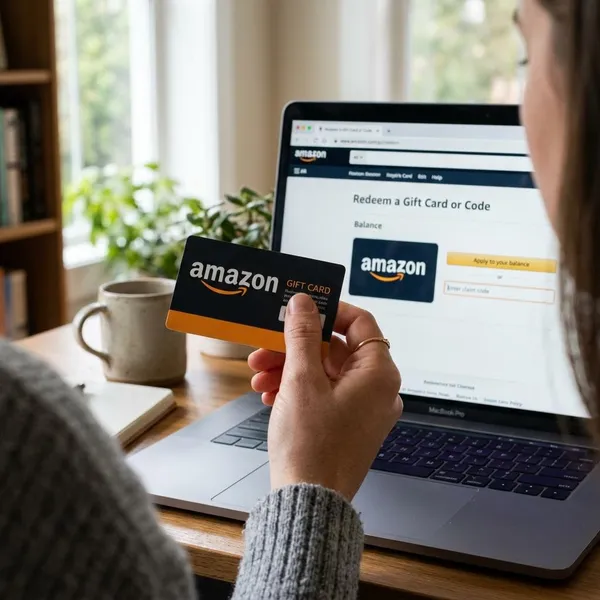
What an Amazon gift card picture can show
Card design
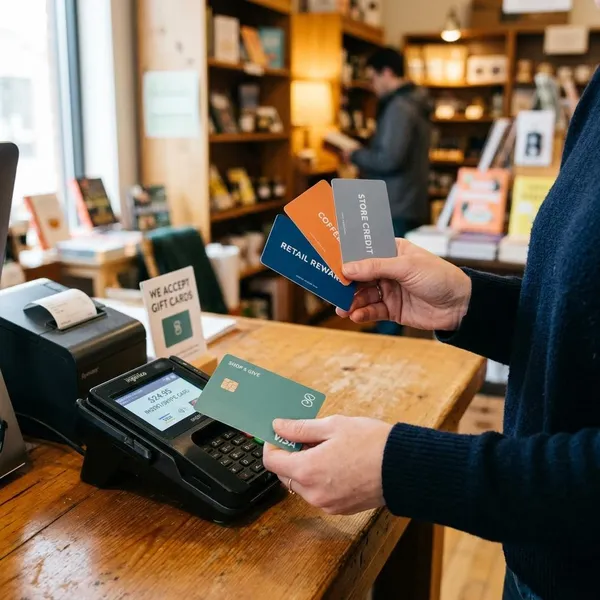
The card design may show a birthday theme, holiday artwork, thank-you message, plain Amazon branding, or a gift-box style package. This part is usually safe to show if the photo only includes the front artwork and nothing around it that reveals private information.
A good low-risk example is a sealed card package photographed from the front. A higher-risk example is the same card turned over with the scratch-off area, barcode, receipt, or shipping label visible in the background.
Gift amount
The picture may show an amount such as $25, $50, or $100, but the printed amount is not proof that the balance is still available. The card may already be redeemed, inactive, refunded, or shown in an old screenshot.
Claim code area
The claim code area is the detail to protect first. On a physical card, it is usually under a scratch-off coating or peel-off strip; on a digital or printable card, it may be printed directly in the email or PDF.
If the full code is visible, the card should no longer be treated as private. Even a photo sent in a small group chat can be copied, forwarded, or saved before you notice.
Barcode or QR code
A barcode or QR code can also be sensitive. Covering only the typed claim code is not enough if a scannable code remains sharp and readable.
- Use a solid block, not a transparent marker.
- Crop the code out when possible.
- Check the original image, not just the preview.
Delivery details
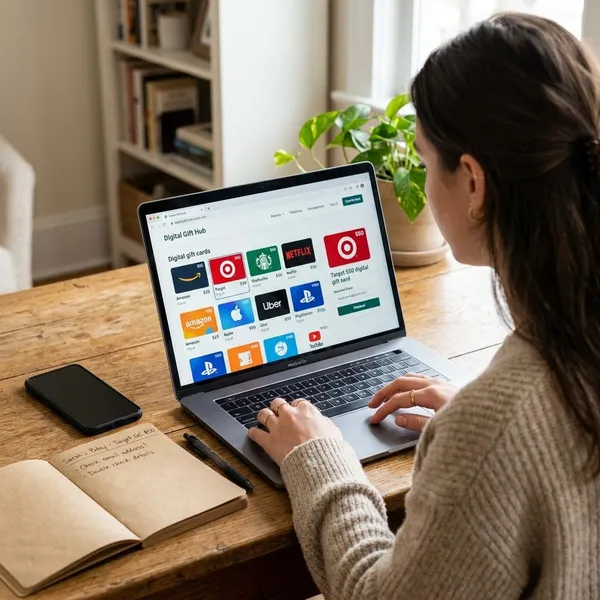
An eGift screenshot can include the recipient’s name, sender name, email address, message, delivery date, or partial order information. Those details may not redeem the card by themselves, but they can expose personal information or help a scammer sound more believable.
Before posting or forwarding a screenshot, look at the whole screen: email headers, browser tabs, order numbers, and visible account names are easy to miss.
Where to find the claim code
Under the scratch off area
On many physical Amazon gift cards, the claim code is on the back under a scratch-off panel or peel-off strip. Scratch gently, because damaged letters can make the code hard to read, especially with characters that look alike such as O and 0 or I and 1.
Inside the eGift email
For an eGift card, the code may appear in the Amazon email or after you open the official redemption link. If the email looks unexpected, do not rush into clicking; open Amazon directly in your browser or app and redeem from your account area instead.
This is especially important when the message came from a giveaway, marketplace seller, or someone you only know online. A real-looking email screenshot is easy to reuse or edit.
On the printable card
A printable card often places the code near the artwork or redemption text. Treat a printable PDF or photo like the original card, because anyone with a clear copy may be able to use the code before the intended recipient.
Near the redemption instructions
Some cards put the code beside wording such as "Claim Code," "Redeem, "or "Apply to Your Account." The instructions should point you to Amazon, not to a third-party form, survey, payment request, or private chat.
If someone says they need the code to "verify" or "activate" it for you, that is a warning sign. You should be able to redeem a legitimate card yourself while signed in to your own Amazon account.
Can you redeem an Amazon gift card from a picture
Valid unused code
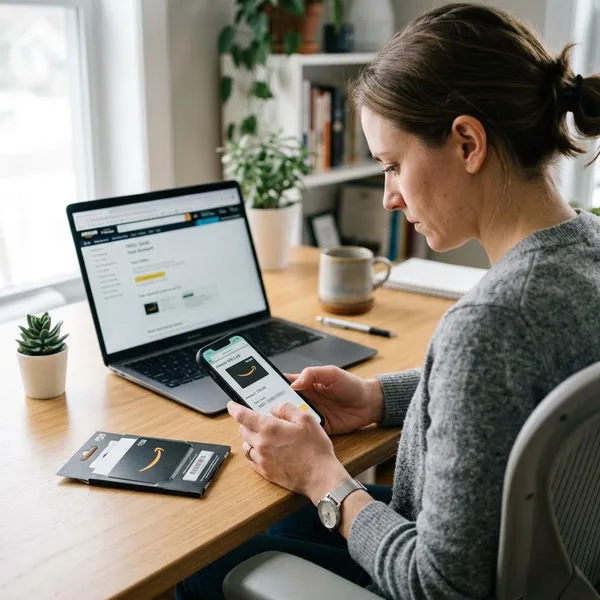
A code must be valid, activated, and unused before it can add value to an Amazon account. A picture cannot prove that. Someone could send the same screenshot to several people, or show a real card that has already been claimed.
For a gift from a friend or family member, redeeming soon is usually enough. For a discounted card from a stranger, a social media seller, or a too-good-to-be-true offer, the picture is weak proof and should not be treated like a safe purchase record.
Clear claim code
If every character is readable, the viewer may not need the physical card. A phone photo that looks small in a chat can still be zoomed, sharpened, or viewed at full resolution.
Official Amazon account
Redeem only through Amazon’s official website or app, and check which account is signed in before entering the code. This matters in shared households where a family tablet or browser may already be logged into someone else’s Amazon account.
Also check the marketplace or region. Gift card rules can vary by country, and a card intended for one Amazon site may not work the same way on another.
Balance not guaranteed by image
A picture can show a real card, a fake card, an edited amount, or a used code. The only practical proof is whether Amazon accepts the code and adds the expected value to your account.
- Low risk: front artwork only, no code, no barcode, no receipt.
- Medium risk: amount and delivery details visible, but code fully hidden.
- High risk: readable claim code, scannable barcode, full eGift email, or seller pressure.
How to redeem an Amazon gift card safely
Sign in to Amazon
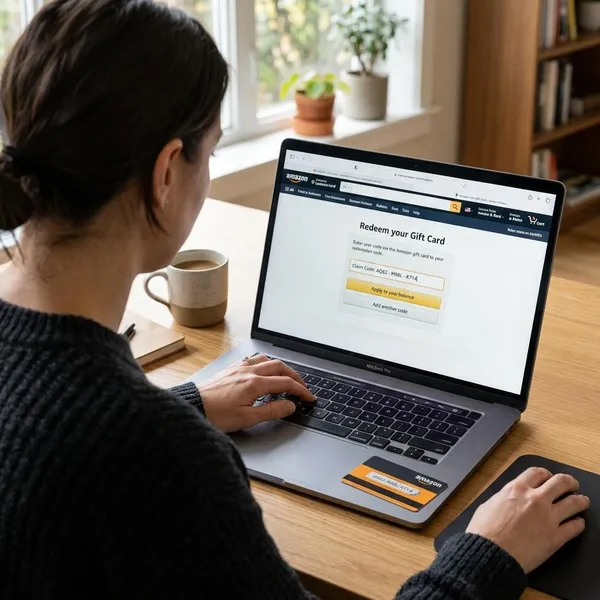
Open Amazon from the app, a saved bookmark, or by typing the address yourself. Avoid links from suspicious emails, texts, social posts, or marketplace messages.
Before entering the code, confirm the account name, email, and region. Redeeming to the wrong household account can be difficult or impossible to undo.
Open gift card balance
Go to the gift card balance or gift card redemption area inside your Amazon account. The exact menu wording may change by country or app version, but it should be part of Amazon's own account pages.
Do not use random "balance checker" websites that ask for the claim code. A page that asks for unrelated details such as bank information, remote device access, or a fee is not part of normal gift card redemption.
Enter the claim code
Type the code carefully from the original card, email, printable page, or private image. If the picture is blurry, ask the sender to resend the needed detail privately instead of guessing.
- Confirm you are on Amazon.
- Check the account before submitting.
- Enter the code once, slowly.
- Wait for the balance confirmation.
Check the added balance
After submitting the code, check whether the balance increased by the expected amount. If you already had gift card funds, compare the new total with recent gift card activity if Amazon shows it.
If the code fails, read the exact message. It may be invalid, already redeemed, not activated, damaged, or not valid for that marketplace. Use Amazon support through official channels rather than posting the code or error screenshot online.
Keep proof of purchase
Keep the receipt, order confirmation, original email, card, or packaging until the balance is safely added and used. A screenshot alone is weaker than a receipt or order record, especially if a store card was not activated correctly at checkout.
Conclusion
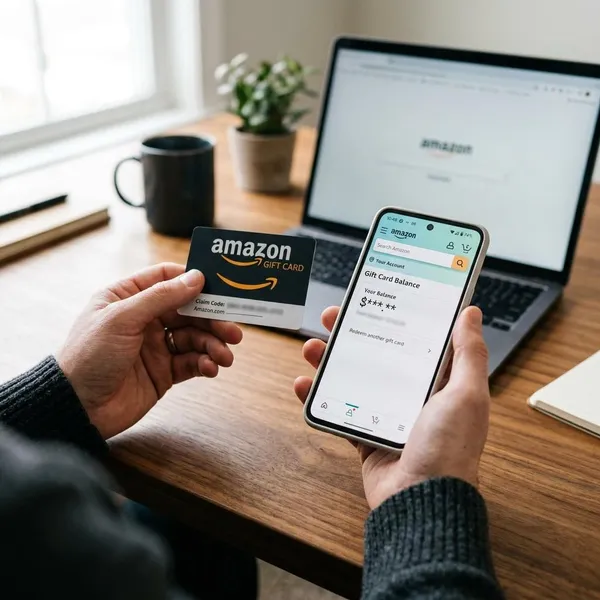
A gift card image is safe only when it hides the parts that can be used to claim the money. Show the design if you need to, but cover or crop the claim code, barcode, QR code, order details, and personal information before sharing. If the code is readable, stop treating the picture as a harmless image and redeem it through Amazon before anyone else gets the chance.